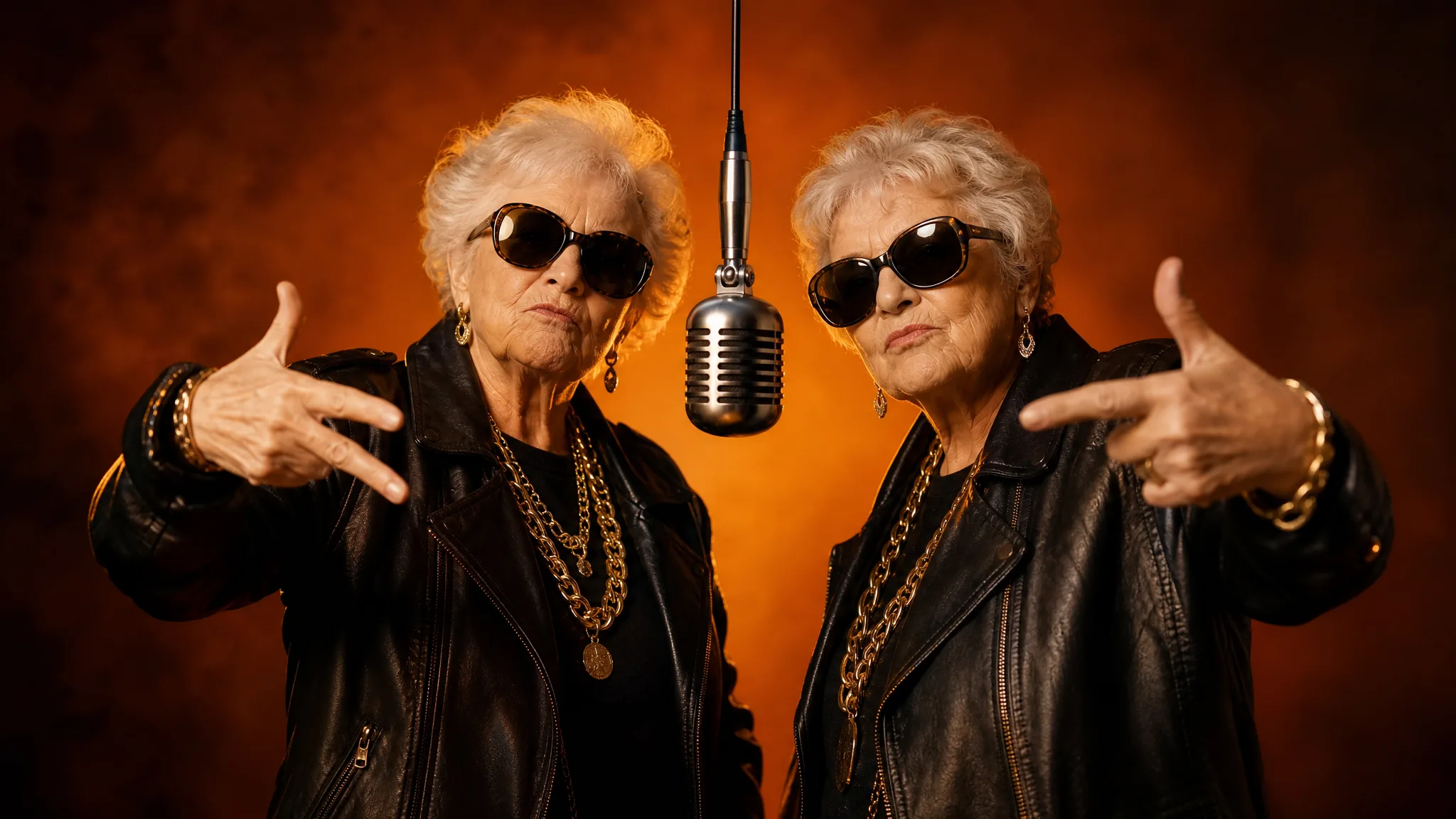
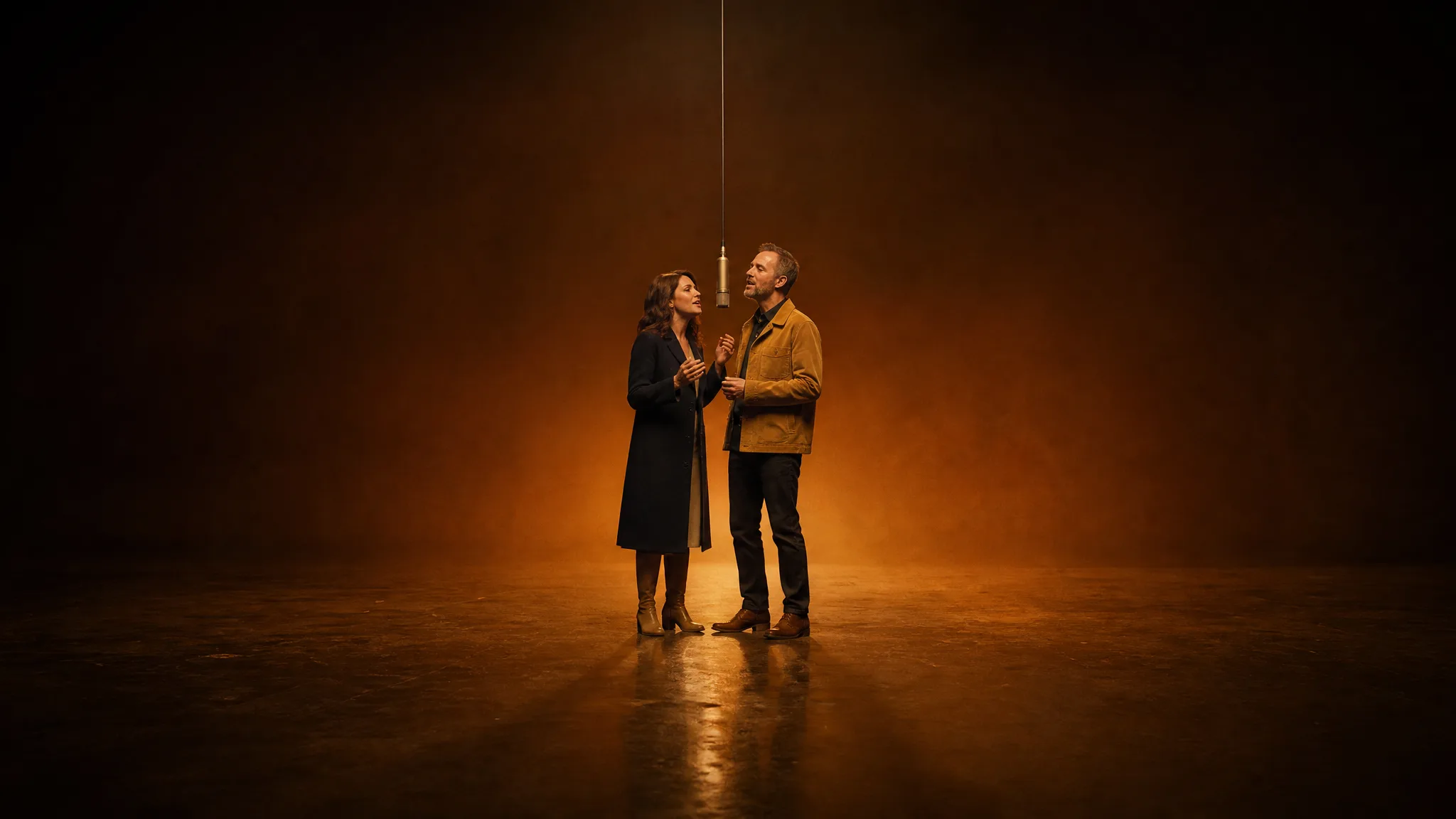
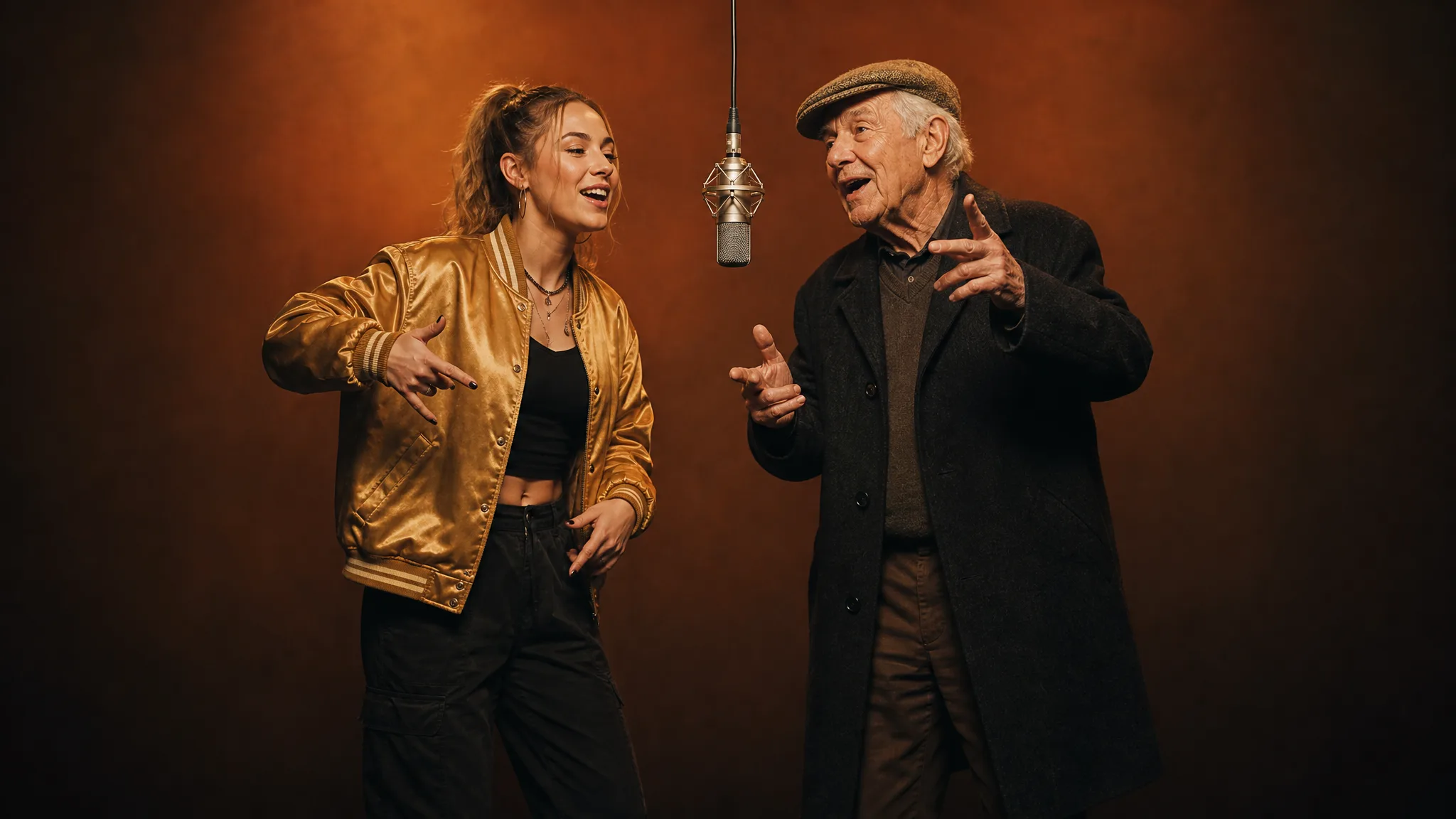
To make a Hotel Lobby AI video, upload two photos with one person each into a Hotel Lobby template. Photo 1 becomes the rapper left of the hanging mic, photo 2 the rapper on the right, and the template adds the orange studio, the moves and the beat. You download a 15-second MP4 with sound.
Quick context, because the name confuses search engines and chatbots alike: this is the Quavo and Takeoff rap duet trend, not a promo video of a real hotel. "Hotel Lobby" is the title of their song.
What Is a Hotel Lobby AI Video?
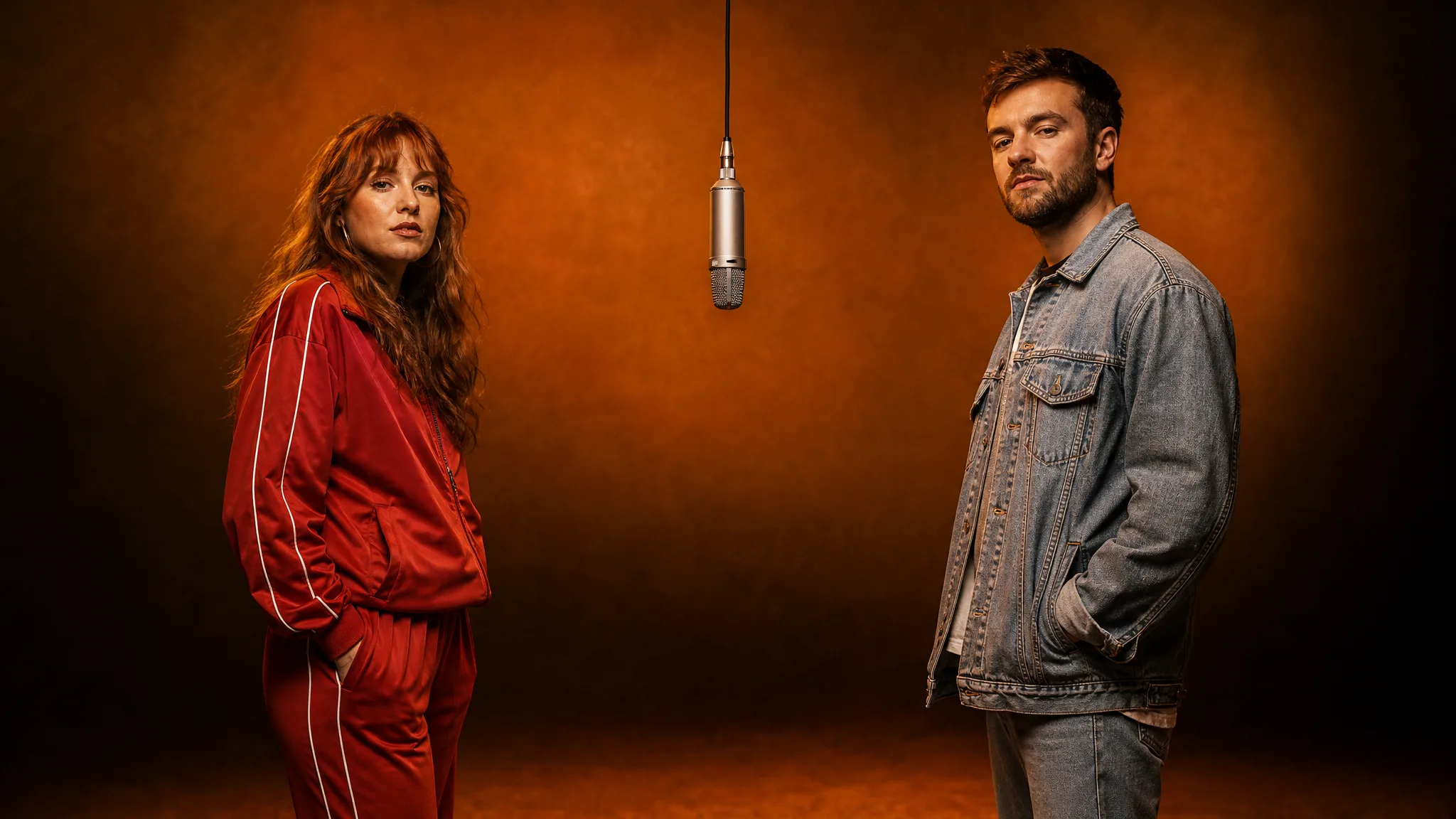
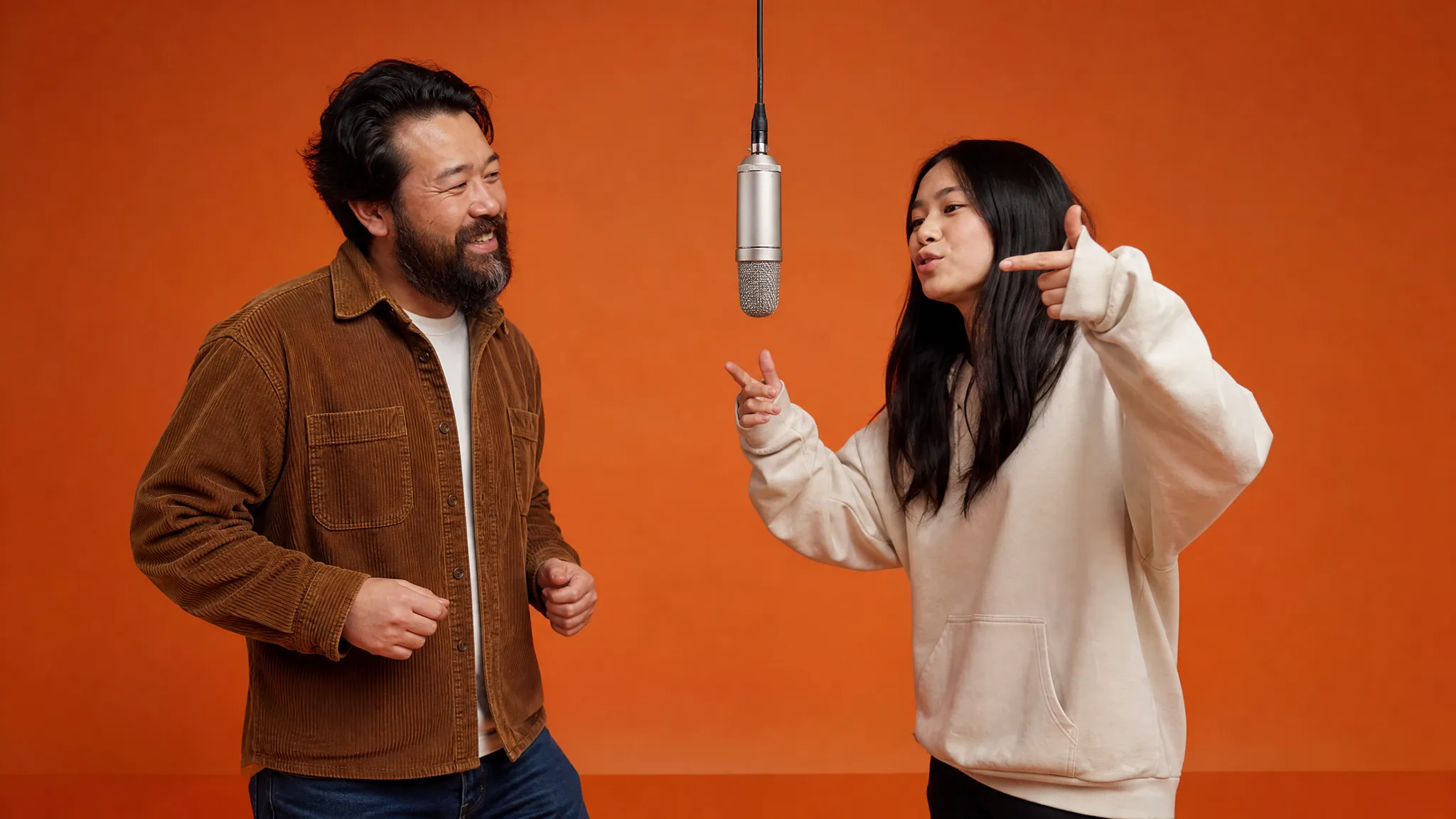
A Hotel Lobby AI video recasts Quavo and Takeoff's 2022 COLORS performance of "Hotel Lobby" with two new people. The set stays the same: a bare orange room, a single silver mic hanging between two performers, and one steady camera.
Since late September 2026, people have filled the two spots in the Quavo and Takeoff Hotel Lobby set with roommates, couples, siblings, grandparents, pets and cartoon characters. The joke works because everyone recognizes the room in the first second, so the only surprise is who is standing in it. For the full backstory, read what the Hotel Lobby trend is.
What Do You Need Before You Start?
You need two separate photos, a browser, and a Google account to sign in. No song file, no prompt and no editing app are part of the process.
- Photo 1: the person who will stand on the left of the mic
- Photo 2: the person who will stand on the right
- Optional: one short line describing matching outfits, such as "black leather jackets and gold chains"
Use two different pictures even if you have a nice photo of the pair together. A shared shot gives the model two faces in one frame, and the cleaner path is to crop that group photo into two single-person pictures first.
See your friends in a rap video
Pick a rap template, add the photo or two it asks for and Rap AI hands back a 13 to 15-second clip with the beat, ready for the group chat.
Pick a templateHow Do You Do a Hotel Lobby AI Video?
Open the Hotel Lobby template, fill the left and right photo slots, set quality and frame, then generate and download. Each step below takes a minute or less.
Step 1: Cast a pair with contrast
The most shared Hotel Lobby clips put together two people who would never share a stage: a quiet uncle and a teenage niece, two grandmothers, a manager and the new hire. Pick the pair first, then decide who leads. The left spot usually reads as the first voice.
Step 2: Prepare one clean photo per person
Choose pictures where the face faces the camera, the eyes are open and the mouth is visible. Bright, even light helps the model keep each face recognizable.
Crop both photos so the heads are a similar size. If one picture is a tight selfie and the other a full-body shot from across the room, the two rappers can come out looking mismatched.
Step 3: Fill the left slot, then the right
On the Hotel Lobby AI video generator page, the first upload slot is labeled for the rapper on the left and the second for the rapper on the right. Both slots must be filled before Generate turns on.
Step 4: Add a look and choose the output
The styling note accepts up to 300 characters and dresses both performers the same way. Leave it blank to use the template's default look.
Next, keep 768P for a quick take or switch to 2K for a sharper frame. Leave the frame on Auto, or pick 9:16 for TikTok and Reels. You can ask for 1 to 4 takes in a single run.
Step 5: Watch with sound and post
When the status shows complete, play each take with the volume up and check that both faces match the people you chose. Download the MP4 you like best. Captions, names and dates can go on in TikTok or Instagram when you post.
Make your own rap video next
Choose the template, add the selfies it asks for and download the take you like as an MP4.
Get startedWhich Settings Fit TikTok, Reels and YouTube?
Pick the frame for where the clip will live, and pick 2K only when it will be watched on a big screen. The template keeps the same stage in every shape.
| Where you post | Frame | Quality | Credits per take |
|---|---|---|---|
| TikTok, Reels, Shorts | 9:16 | 768P | 15 |
| Instagram or Facebook feed | 1:1 or 3:4 | 768P | 15 |
| YouTube or a TV at a party | 16:9 | 2K | 25 |
| Not sure yet | Auto | 768P | 15 |
If Your Hotel Lobby Video Looks Wrong, Change One Thing
Fix the input that caused the problem and rerun, instead of changing everything at once. These are the issues people run into most.
| Problem | Likely cause | Fix |
|---|---|---|
| A face does not look like the person | Soft, dark or angled photo | Use a sharp, front-facing picture |
| The two rappers are different sizes | Photos cropped at different distances | Crop both to a similar head size |
| The lead rapper is on the wrong side | Slots filled in reverse | Swap photo 1 and photo 2 |
| Outfits look strange | Styling note asks for too much | Keep the note to one clear idea |
| Clip feels cropped on your phone | Frame left on a wide shape | Pick 9:16 and generate again |
Run three or four takes at once. The stage and timing are fixed, so the takes differ mostly in expression, and one of them usually lands best.
How Many Credits Does a Hotel Lobby AI Video Use?
A Hotel Lobby AI video uses 15 credits at 768P and 25 credits at 2K. Asking for several takes multiplies that number, and the total appears next to Generate before you confirm.
The smallest credit pack costs $9.99 and covers your first Hotel Lobby duet. Monthly plans start at $29.90 for people who post new clips every week. A generation that fails returns its credits to your balance automatically.
Hotel Lobby Duo Ideas People Actually Share
Family pairings and unlikely friendships get the biggest reactions. A few casting ideas that work well in the orange room:
- A grandparent and the grandchild who showed them the trend
- Two coworkers announcing a launch or a farewell
- A couple opening an engagement or moving-day post
- A dog on one side of the mic and its owner on the other
- Two cartoon avatars or game characters as a fictional rap group
Want a different rap trend after this one? The Burning Bridges AI video guide covers a one-photo party scene, and the AI rap video guide compares all three templates, which you can also start from the Rap AI video generator homepage. When your pair is picked, open the Hotel Lobby AI template and fill both slots.
How to Do Hotel Lobby AI: FAQ
How to do hotel lobby AI video?
To do a Hotel Lobby AI video, upload one photo for the left rapper and one for the right rapper into the Hotel Lobby template on Rap AI, then press Generate. You get a 15-second clip of both people at the orange-studio mic with the beat, ready to download.
Is the hotel lobby trend free?
Watching and sharing Hotel Lobby clips costs nothing, and the example duets on the template page are there to view first. Making your own Hotel Lobby AI video on Rap AI uses 15 credits at 768P, and a take that fails returns its credits.
Can I use one group photo for the Hotel Lobby trend?
The Hotel Lobby template works best with two separate photos, one person in each. Crop your group picture into two single-person images, put the left person in slot 1 and the right person in slot 2, and both faces stay distinct.
Can I put my dog in a Hotel Lobby video?
Often, yes: a pet can take either slot when its face is clear and well lit, though people give the most reliable result. A dog next to its owner is one of the most popular Hotel Lobby pairings, and two pets as a rap duo can work too.
Does the Hotel Lobby AI video have sound?
Every Hotel Lobby AI video comes back with the template's beat and performance sound already in the MP4. You can post it as it is, or add text and stickers in your social app before sharing.
Who is in the original Hotel Lobby video?
The original features Quavo and Takeoff, recording as the duo Unc & Phew, performing their 2022 song "Hotel Lobby" for the music platform COLORS. The AI trend keeps their orange set and single mic and swaps in new faces.