Burning Bridges AI Video

Add one photo and you become the guest who walks through the chandelier party and points straight at the lens.

Add Your Party Photo0/1

JPG / PNG / WebP · 1 file · Max 20 MiB per file

Each side: 256–5760 px

Width/height ratio: 0.4–2.5

Styling note (optional)
0/300
Aspect ratio
Resolution
Number of outputs
Required credits
13
Sample videos

More Rap and Song Templates

Try another rap or song-meme template with the photos you already have, one person per photo.

Burning Bridges AI Video Generator for the Drake Chandelier Party

One photo in, a chandelier party entrance with sound out

The Burning Bridges AI trend comes from the party scene in Drake’s Burning Bridges: a packed ballroom under crystal chandeliers, guests in suits and gold gowns, and one person who owns the floor. It is a party trend rather than a bridge on fire, and here the person on the floor is you. Add one photo, and the template walks you through the crowd with a champagne glass, points you at the camera and keeps the party sound running. Skip the prompt, the dance practice and the editing. You get a 13-second clip ready for TikTok, Reels or a birthday post, made with the Burning Bridges AI video generator.

Make My Party Entrance
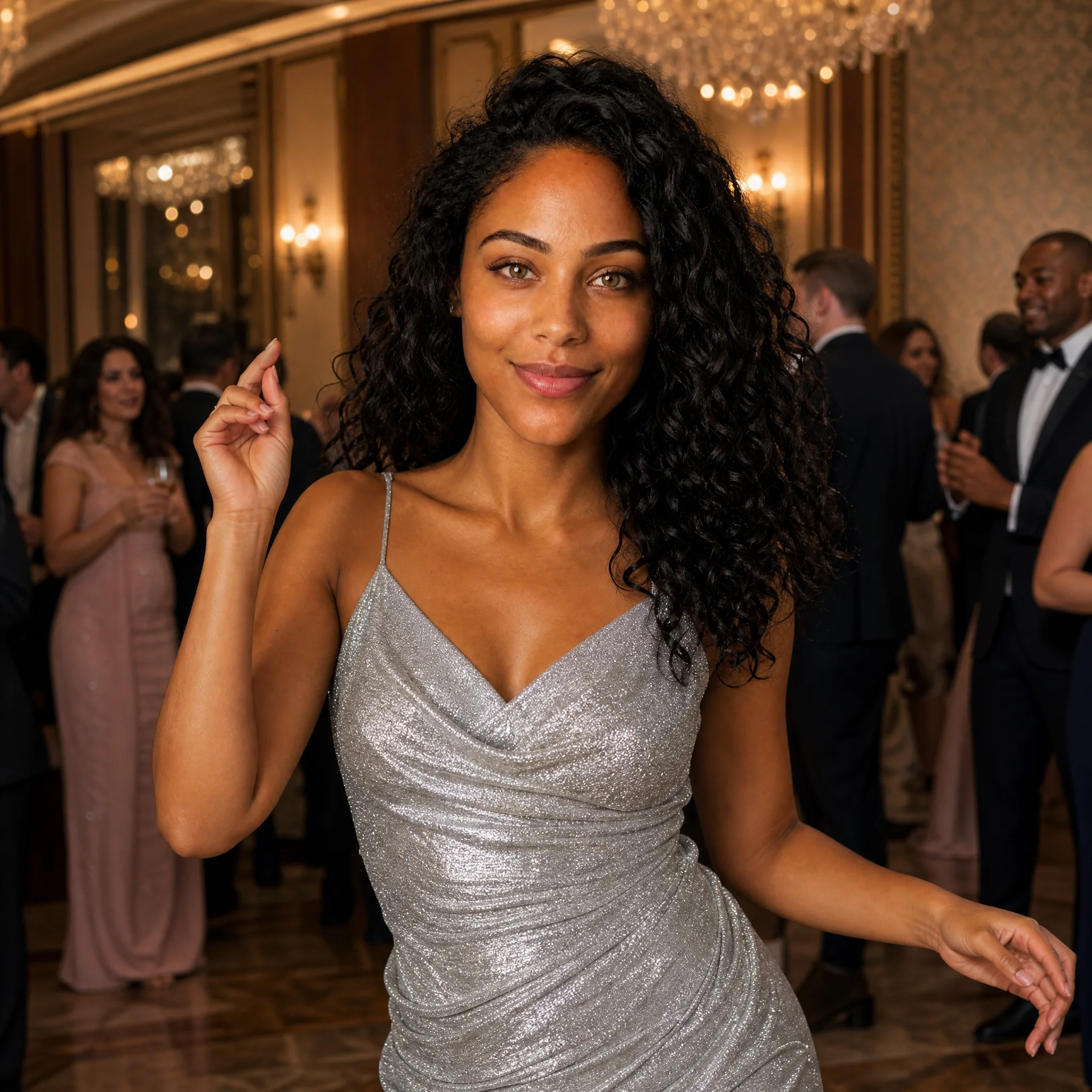
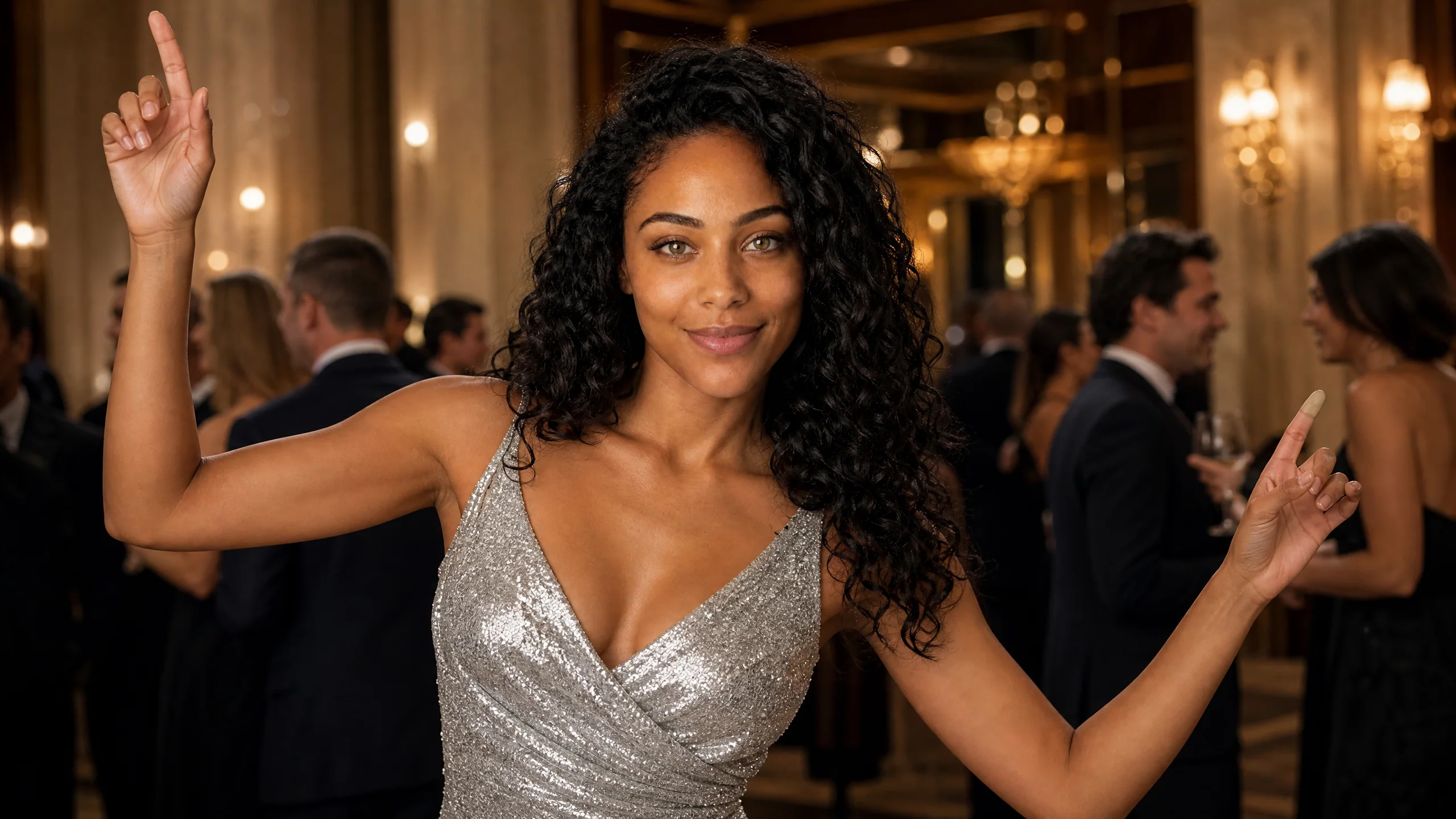
A curly-haired woman in a sequined silver dress raises both index fingers in a ballroom full of guests in dark suits
One Photo, No Prompt|Chandelier Party Built In|Party Sound Included|13-Second Clip

How to Make a Burning Bridges AI Video in Four Steps

A Burning Bridges AI video takes one photo and a few settings. The ballroom, the crowd, the moves and the sound are already part of the template.

1

Choose who leads the party

Pick the person your followers would least expect to steal a ballroom: the coworker who never dances, your mom, the friend turning thirty. The Burning Bridges AI template gives that one face the whole room, so the choice of person is most of the joke before you even open the uploader.

2

Upload one clear photo

For the Burning Bridges AI video generator, use a picture with only that person in it, the face toward the camera and lit from the front. A phone selfie, a waist-up shot from a wedding or a sharp headshot all work. Crop out anyone standing nearby so the party has exactly one lead guest.

3

Set the look, quality and frame

Leave the note empty to wear the template’s silver party dress, or type one outfit, such as a black tuxedo or a red gown. Keep 768P or switch to 2K, leave the frame on Auto or choose 9:16 for vertical feeds, and start the job; the Burning Bridges AI video generator builds the party around your photo on MiniMax H3.

4

Watch with sound, then post

When the job finishes, play the clip with the volume up and check the face during the walk and the point at the camera. Download the MP4, then add a name, a date or the trend sound in TikTok, Instagram or CapCut before you share the clip from the Burning Bridges AI video generator.

What You Get in a Burning Bridges AI Video

People recognize the trend in the first second because of four details. Every take from the Burning Bridges AI video generator keeps all of them.

The Burning Bridges AI video generator starts from one face

The whole scene hangs on a single upload to the Burning Bridges AI video generator. Your photo decides who walks through the room, and everything around that person comes from the template: the guests, the lights, the camera path. Front-facing pictures with even light give a face that friends recognize the moment the clip starts, even in the wider shots of the room.
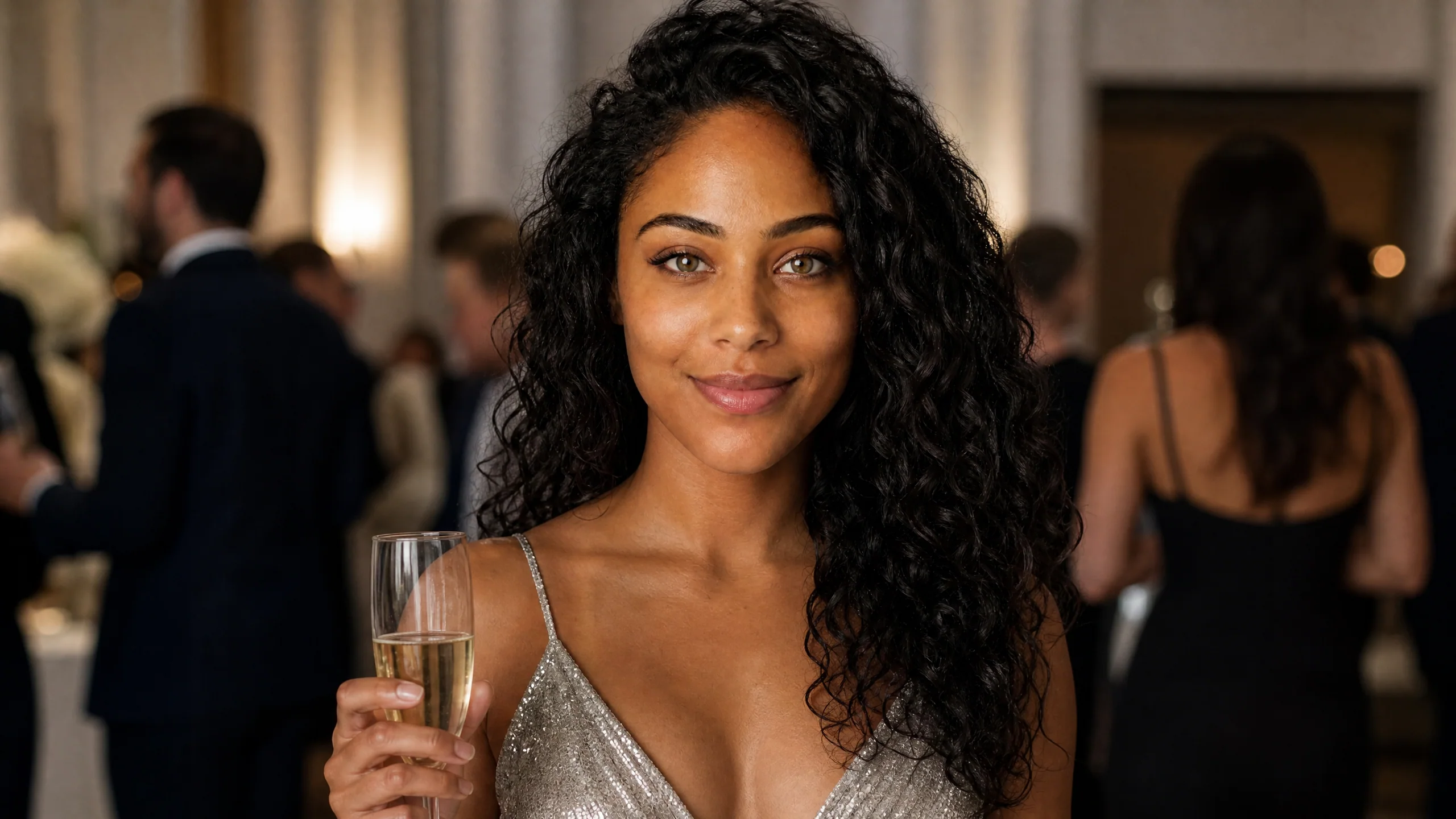
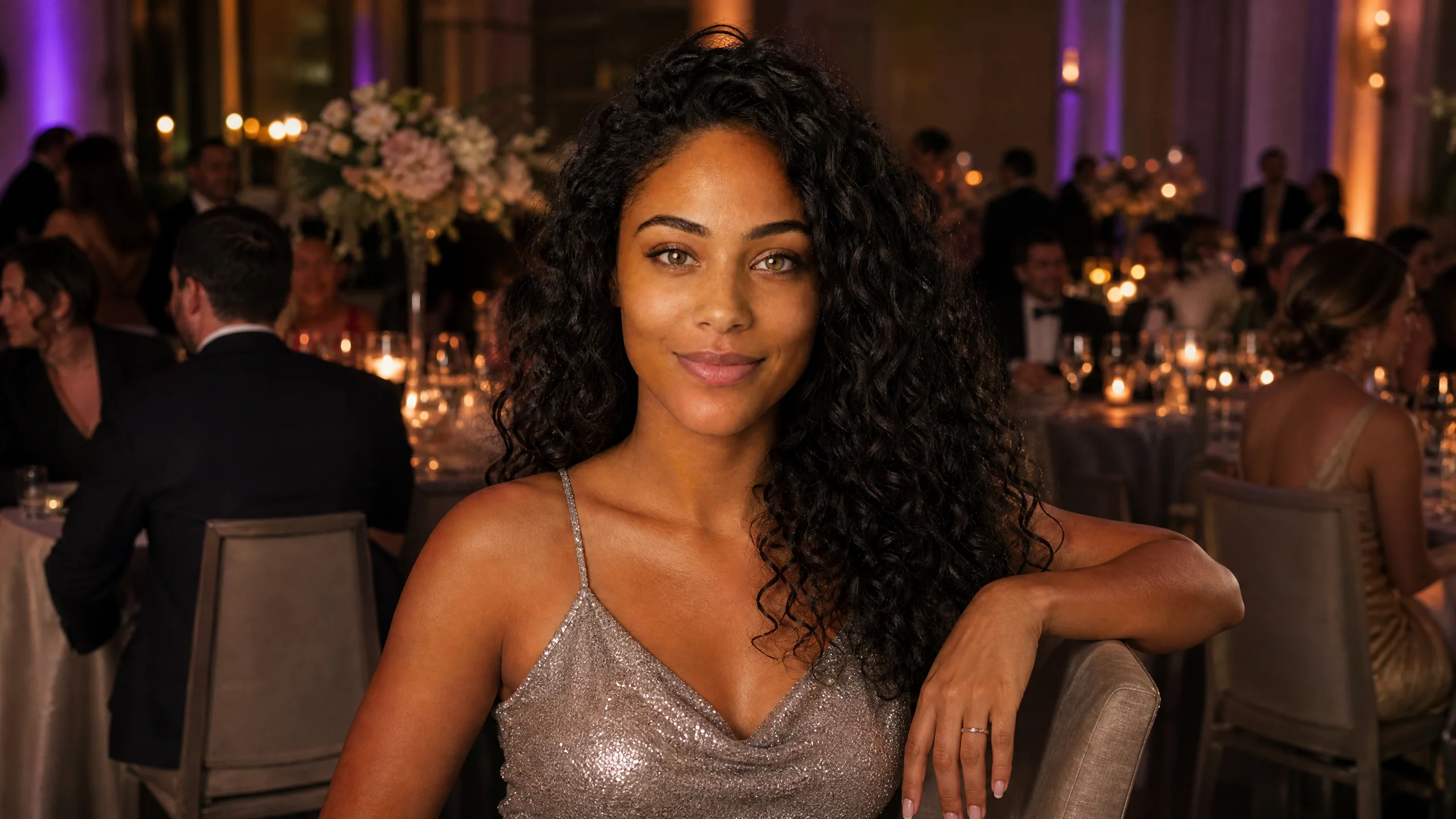
Close portrait of a smiling woman with long curly hair holding a champagne flute at a candlelit party

The walk, the point and the toast

The moves are what people copy from the trend. Your lead guest strolls through the crowd, glass in hand, then turns and points straight at the lens with a grin. The Burning Bridges AI video generator fixes the timing, so there is no choreography to learn and no second take to film with friends.

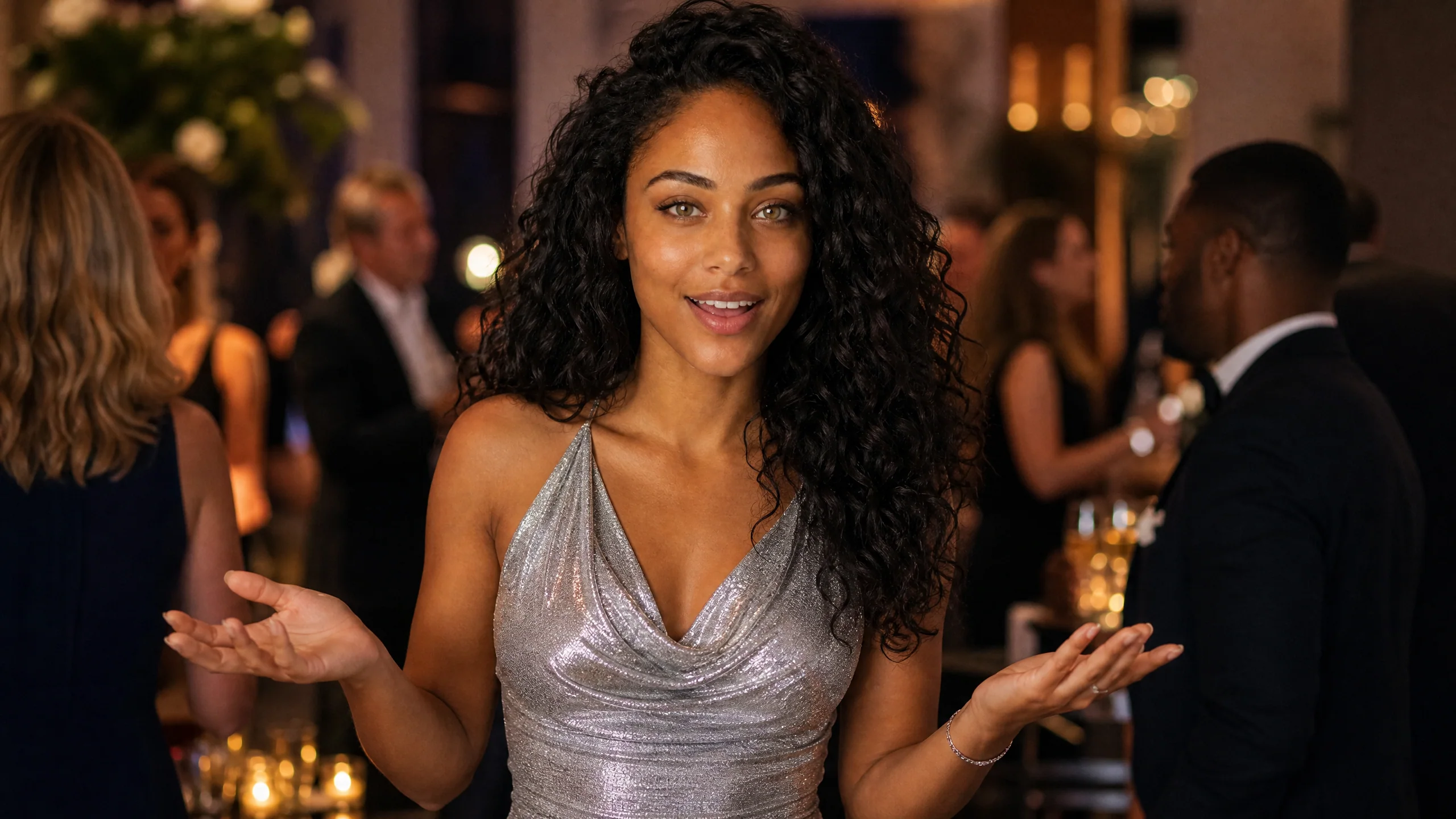
A woman in a draped silver dress opens both palms and smiles mid-sentence as party guests chat behind her

The Drake Burning Bridges AI party, rebuilt around you

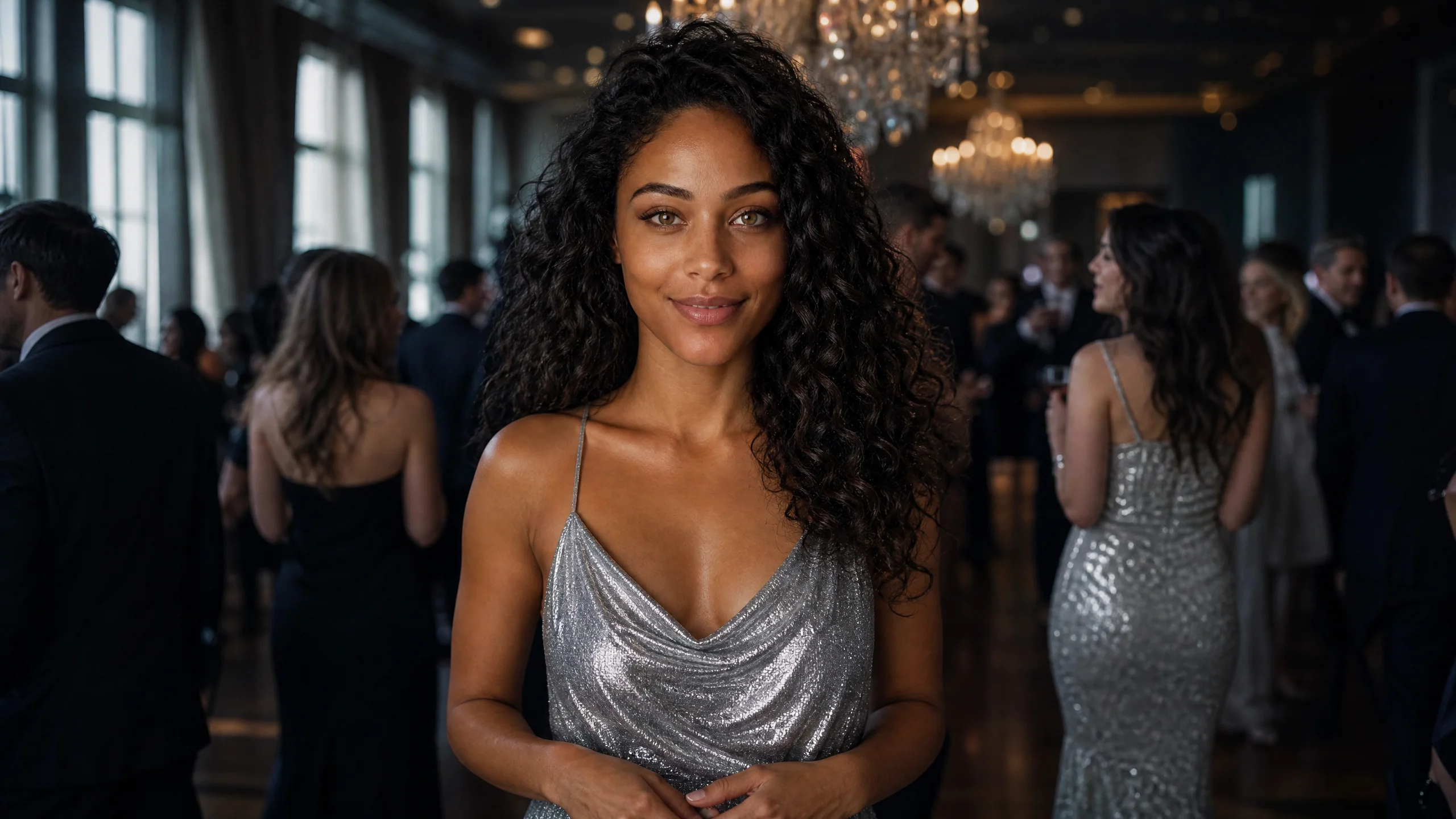
This is the setting people mean when they search for the Drake Burning Bridges AI look: crystal chandeliers, guests in dark suits and metallic gowns, warm gold light and a dance floor that never stops. The room arrives finished, so the only new detail in the shot is the person you uploaded.

A woman in a silver slip dress stands in a dark ballroom lit by two crystal chandeliers, guests in evening wear around her

Swap the outfit with one line

By default the Burning Bridges AI video generator dresses your lead guest in a sparkling silver party dress, like the scene in the trend. Type one short note, such as a burgundy suit or a gold sequin jacket, and the outfit changes while the room, the moves and the sound stay put. It suits a dad, a groom or a whole friend group taking turns.

A woman in a shimmering champagne-colored dress leans on a chair at a banquet table with candles and flowers

Where a Burning Bridges AI Video Gets Posted

Most Burning Bridges AI video clips start with one photo already on someone’s phone and end up in one of these four places.

Birthday and milestone posts

Put the birthday person at the center of the ballroom in the Burning Bridges AI video generator and post the clip at midnight, with their age in the caption. Turning thirty, getting a promotion or finishing exams all read as a grand entrance when the chandeliers and the crowd are already there.

The least likely party animal

The biggest reactions come when the Burning Bridges AI video generator casts someone who never goes out: a grandfather, a strict teacher, the quiet roommate. Seeing that person point at the camera across a packed dance floor is the joke, and the group chat will replay it for days.

Weddings and engagement news

Use a portrait of the bride, the groom or the best man and open the wedding story with a Burning Bridges AI edit. A tuxedo or a white gown in the styling note makes the clip feel like the reception has already started.

A friend group, one clip each

Run the Burning Bridges AI video generator once per friend with the same frame shape, then line the clips up in CapCut so everyone gets a turn leading the party. It works well for a reunion, a farewell or a team that just shipped a big project.

Stories from People Who Tried It on Their Photos

Example stories that show how people use this template. Names and details are illustrative.

A silver party dress was the whole theme of my October edit. I uploaded one mirror selfie to the Burning Bridges AI video generator, and the clip put me under the chandelier with the song playing as I walked in. I opened the Reel with it and the comments were all about the entrance.

Nina V.
Fashion Content Creator

Burning Bridges AI Video Generator FAQ

Answers about the Burning Bridges AI video generator: the Drake trend, the cost, the photo to use, styling and what each 13-second clip includes.

The Burning Bridges AI video generator turns one photo into a 13-second party clip in the style of the Drake trend. Your person walks through a chandelier ballroom, raises a glass and points at the camera while the party sound plays. Some apps call it a Burning Bridges AI video maker or a Drake party template.

The Burning Bridges AI trend recreates the chandelier party from Drake’s Burning Bridges video with your face as the guest, viral since October 2026. In the Drake Burning Bridges AI version, one guest walks through a crowded room under crystal chandeliers, holds a drink and points at the camera. It is about the party, not a burning bridge.

One clip from the Drake Burning Bridges AI video generator uses 13 credits at 768P and 22 credits at 2K. The amount shows beside the Generate button before you start, credits come from one-time packs or a monthly plan on the Pricing page, and a take that fails returns its credits automatically. Rap AI has no free tier, and one Burning Bridges take fits in the smallest pack of 15 credits for $9.99.

A sharp photo of one person facing the camera in even light works best for a Burning Bridges AI video. Selfies, headshots and cropped event photos are all fine. Keep the eyes and mouth visible and crop out other people, so the template has a single clear face to lead the party.

The Burning Bridges AI template already holds the ballroom, the crowd, the camera path, the moves and the sound. Every take renders on MiniMax H3, and the only text you might add is an outfit note of up to 300 characters, such as a black tuxedo or a red satin gown.

Yes: the photo slot takes any clear single subject. A dog in a bow tie, a cat, a cartoon avatar or a game character can all lead the chandelier party in a Burning Bridges AI video, and a front-facing picture with the face in full view gives the most recognizable result.

Each Burning Bridges AI video runs about 13 seconds with the template’s party sound. It renders at 768P or 2K, and the frame can stay on Auto, which follows the wide party shot, or switch to 9:16 for TikTok and Reels, 1:1 for feeds or 16:9 for YouTube. The party clip downloads as an MP4, and the whole template runs in a phone browser.

Cast someone your friends would never expect at a gala, because the surprise is the fun. Use a crisp, front-lit photo where the face fills a good part of the frame, keep the outfit note to one idea, make two to four takes at once and post the take whose point at the camera looks the most confident.

Make Your Burning Bridges AI Video

Pick the person who should own the dance floor and add one photo. The Burning Bridges AI video generator walks them through the chandelier party, points them at the camera and keeps the sound on. Download the take you like and post it tonight.

Lead the Party
A smiling woman in a glittering silver dress dances under a crystal chandelier, guests in pink gowns and tuxedos behind her