To make an AI rap video, pick a rap template, upload one or two clear photos, and press Generate. On Rap AI the template already carries the stage, the moves and the beat, so you get a 13 to 15 second MP4 with sound and never write a verse or open an editor.
That is the short answer to the question people type most often: how to create an AI rap video. The rest of this guide covers which template fits your photos, the exact steps, what it costs and how to fix a take that looks off.
What Is an AI Rap Video, and How Do People Usually Make One?
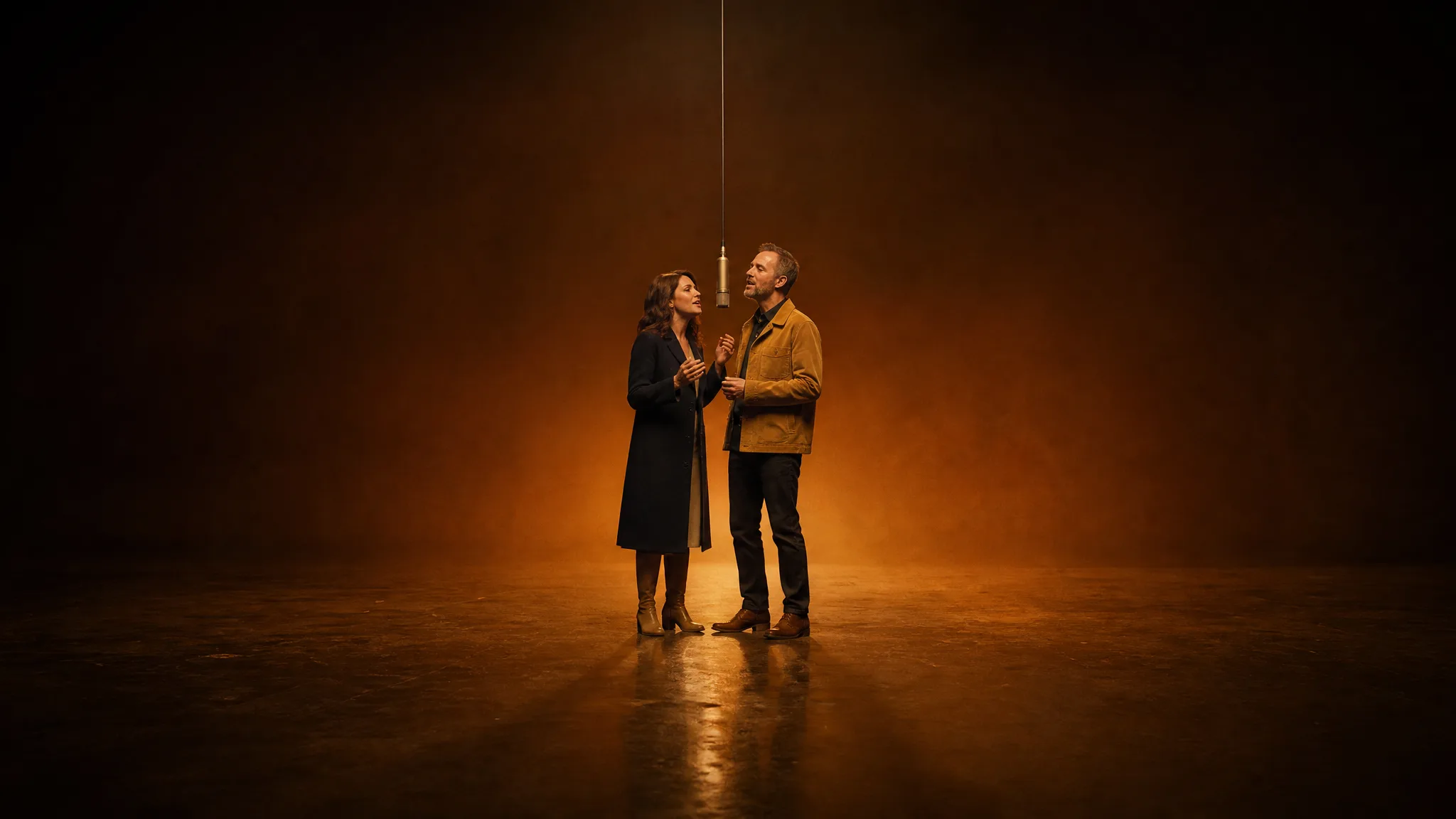
An AI rap video is a short clip in which a real person from a photo appears to rap on a stage, in time with a beat. Most viral examples in 2026 recast a famous performance, such as the Quavo and Takeoff Hotel Lobby duet, with friends, family or pets.
The general way to build one from scratch takes three or four separate tools. You write or generate a song, animate a still photo with an image-to-video model, sync the mouth to the vocal, and finally cut everything together in a video editor. Each hand-off is a place where the timing slips.
A rap template collapses that chain into one step. The AI rap video generator on the Rap AI homepage holds three ready-made performances, and each one already knows its scene, choreography and sound.
| Stage | Build it yourself | Use a rap template |
|---|---|---|
| Song and beat | Write lyrics or generate a track | Included in the template |
| Motion | Animate the photo in a separate model | Included in the template |
| Mouth and timing | Run a lip-sync pass | Performance timing is built in |
| Editing | Trim and export in an editor | Download the finished MP4 |
| What you supply | Song, prompt, photos, time | One or two photos |
Which Rap Template Should You Choose?
Choose by how many people you want on screen and which trend your friends will recognize. Hotel Lobby needs two photos, while Bulin 47 and Burning Bridges each need one. All three render on MiniMax H3 at 768P by default, with 2K available.
| Template | Photos | Scene | Length | Credits at 768P |
|---|---|---|---|---|
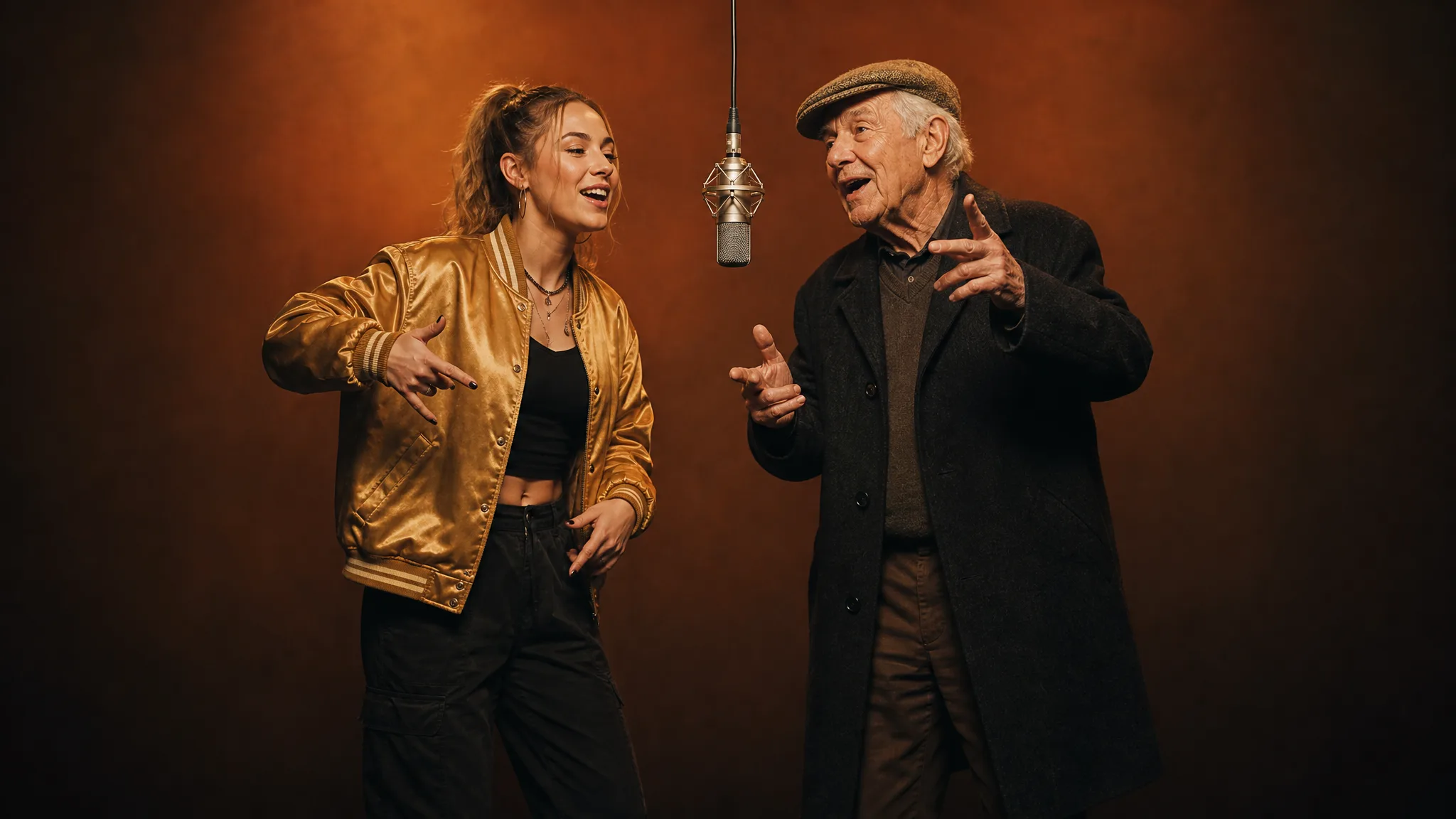
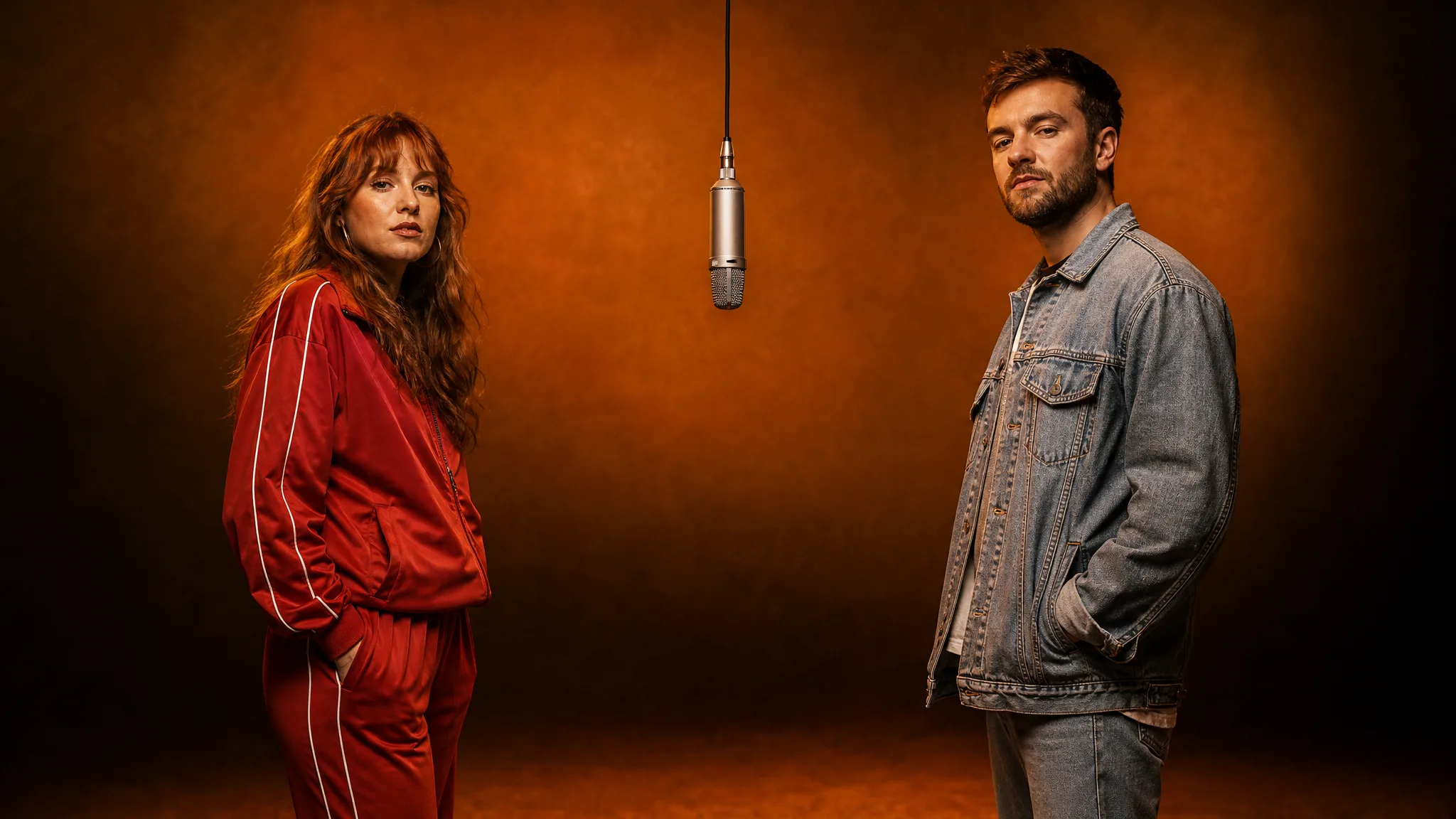
| Hotel Lobby | 2 (left and right of the mic) | Orange studio, one hanging mic | About 15 seconds | 15 |
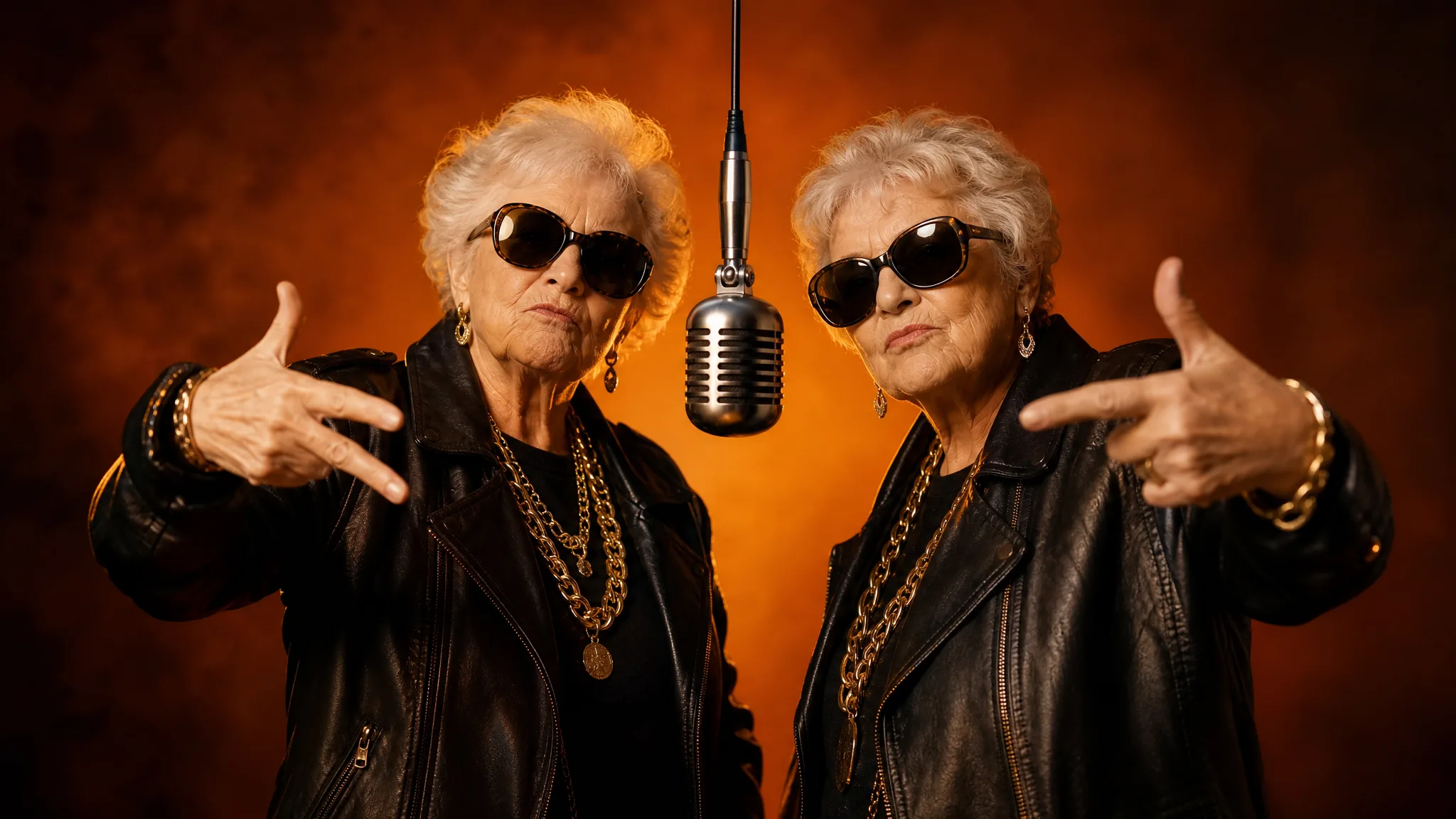
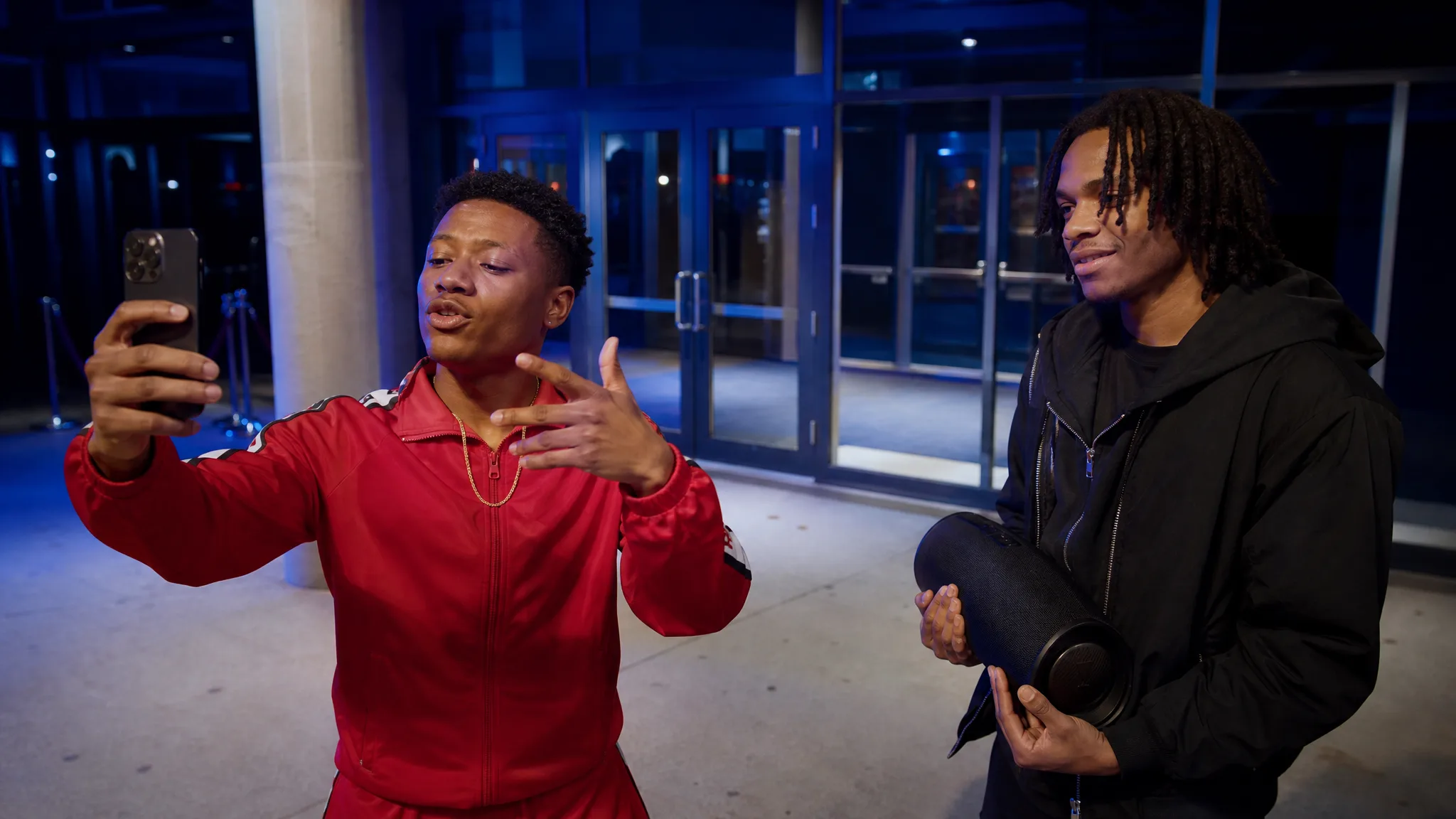
| Bulin 47 | 1 | Red-lit restaurant doorway, dembow freestyle | About 15 seconds | 15 |
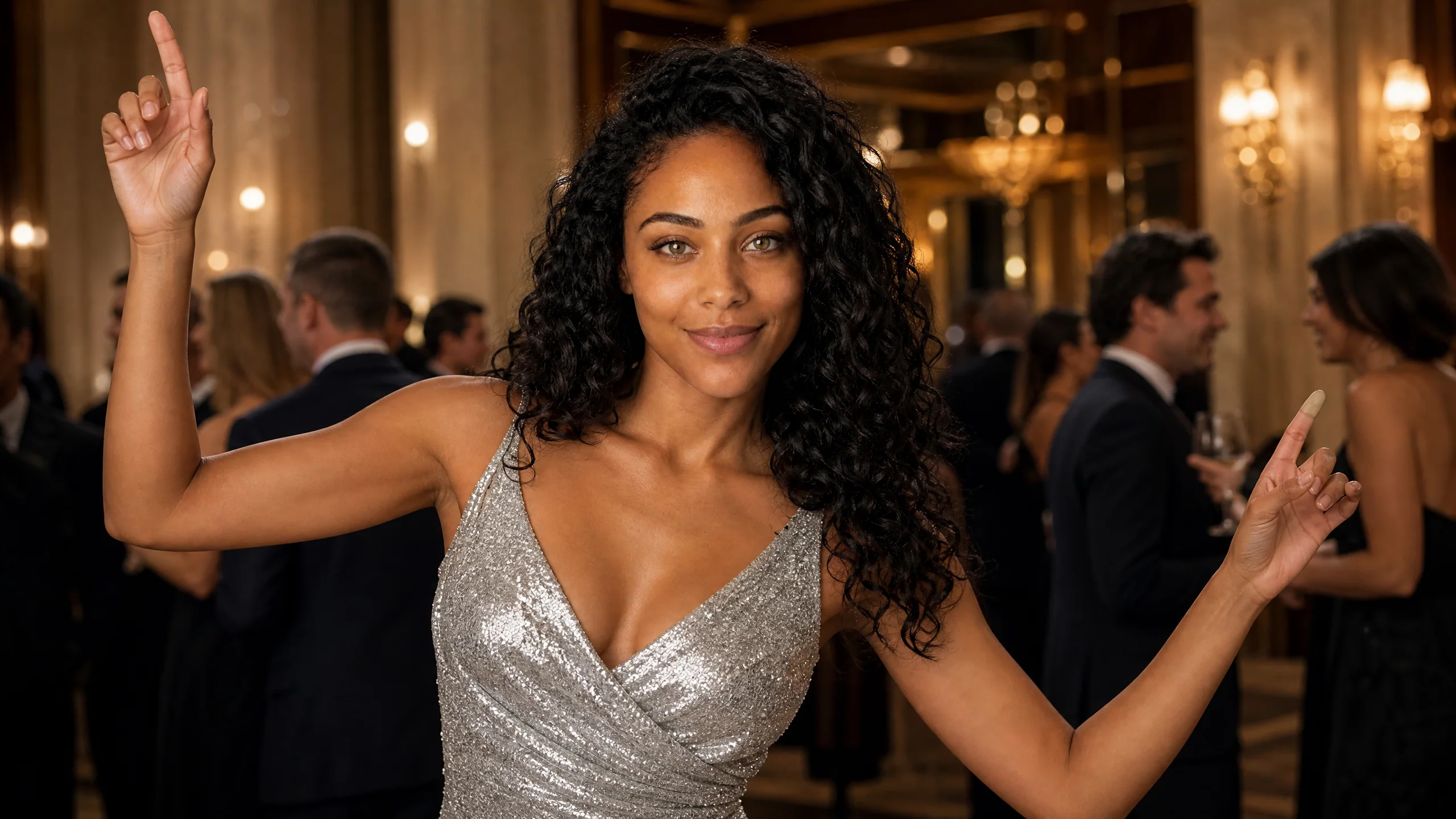
| Burning Bridges | 1 | Chandelier-lit party entrance from the Drake trend | About 13 seconds | 13 |
If you are making a video of you and a friend, start with Hotel Lobby, the two-person rap duet. For a solo clip, Bulin 47 gives you a street freestyle and Burning Bridges gives you a party entrance. The Hotel Lobby trend explainer covers where the duet format came from.
See your friends in a rap video
Pick a rap template, add the photo or two it asks for and Rap AI hands back a 13 to 15-second clip with the beat, ready for the group chat.
Pick a templateHow Do You Make an AI Rap Video Step by Step?
Open a template, fill its photo slots, choose quality and frame, then generate and download. The whole run happens in a phone or desktop browser after a Google sign-in, with no app to install.
Step 1: Pick the template that matches your cast
Decide who is in the clip before anything else. Two people means Hotel Lobby; one person means Bulin 47 or Burning Bridges. Open the template from the Rap AI homepage or go straight to its page so the right preset is already selected.
Step 2: Choose photos where the face is easy to read
Good source photos do most of the work. Look for:
- One person per photo, facing the camera or close to it
- Even light on the face, eyes open, nothing covering the mouth
- The face filling a fair part of the frame, not a tiny figure in a crowd
- For a duo, two photos cropped to a similar distance so both rappers look the same size
Selfies, headshots and a single person cropped out of a group shot all work. Pets and cartoon characters can work too when the face is clear, though results vary more than with people.
Step 3: Fill the slots in the right order
In the Hotel Lobby template, photo 1 becomes the rapper on the left of the mic and photo 2 the rapper on the right. Put the louder personality on the left, because that side tends to read as the lead voice. The one-photo templates have a single slot.
Step 4: Add a look note and set the output
A styling note of up to 300 characters changes outfits or accessories, for example "matching red tracksuits and gold chains". Leave it empty to use each template's default look: the trend outfit in Bulin 47 and Burning Bridges.
Then pick 768P or 2K, keep the frame on Auto or choose 21:9, 16:9, 4:3, 1:1, 3:4 or 9:16, and set how many takes you want from 1 to 4.
Step 5: Generate, watch with sound, and download
Start the job and wait for the status to turn complete. Watch each take with the volume up, keep the one where the faces look most like your people, and download the MP4. You can add names, a date or an inside joke as a caption in TikTok or Instagram when you post.
Make your own rap video next
Choose the template, add the selfies it asks for and download the take you like as an MP4.
Get startedHow Much Does It Cost to Make an AI Rap Video?
A 768P AI rap video on Rap AI uses 15 credits for Hotel Lobby or Bulin 47 and 13 credits for Burning Bridges. At 2K the same clips use 25, 25 and 22 credits. The exact number shows next to the Generate button before you start.
A few practical points:
- Credits multiply by takes, so four Hotel Lobby takes at 768P use 60 credits
- The smallest credit pack is $9.99, enough for your first rap video
- Monthly plans start at $29.90 if you make clips every week
- If a generation fails, its credits return to your balance automatically
The example videos on every template page are there to watch before you spend anything, so you can see exactly what each scene looks like.
If Your AI Rap Video Looks Wrong, Change One Thing
Most weak takes come from the photo, not the template, so swap one input at a time and run again. Changing several things at once makes it hard to tell what helped.
| What you see | Change this |
|---|---|
| The face drifts away from the real person | Use a sharper, front-facing photo with even light |
| One rapper looks much smaller than the other | Crop both photos to a similar head size |
| The pair seems to be in the wrong spots | Swap photo 1 and photo 2 |
| The outfit change is too strong or odd | Shorten the look note to one idea, or clear it |
| The clip is cropped badly for your feed | Pick 9:16 for TikTok and Reels, 1:1 for a square post |
Generate two to four takes in one run. The template stays the same, but small differences in expression mean one take usually stands out.
What Should Your First AI Rap Video Be?
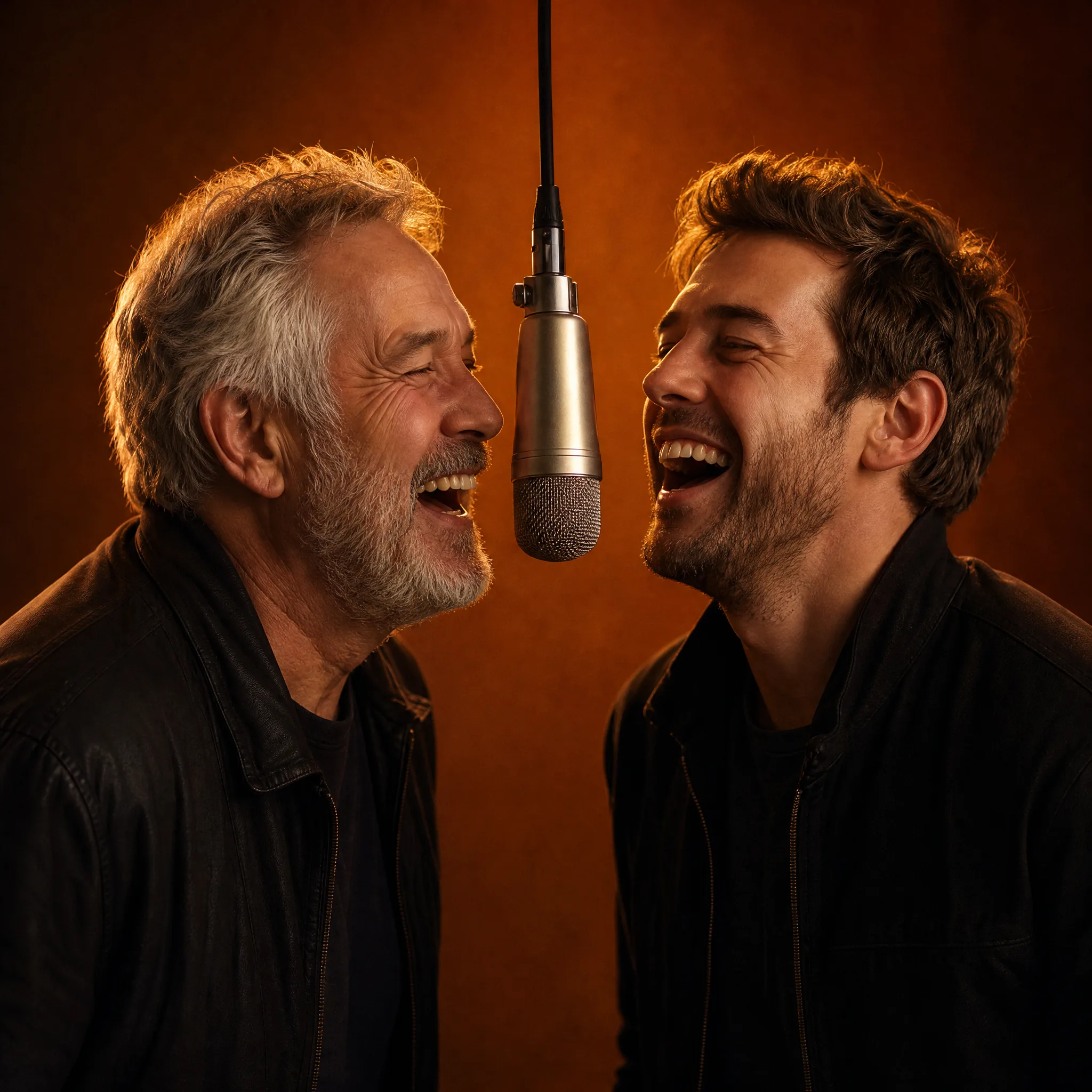
The clips people share most pair two people nobody expects to see rapping together. A grandmother and her grandson, a boss and the intern, a dog and its owner: the bigger the contrast, the bigger the laugh in the group chat.
Birthday posts are another easy win. Put the birthday person on the left mic and their loudest friend on the right, then post the clip at midnight. For a solo clip, the Burning Bridges party entrance suits a big announcement or a night-out recap.
Keep Going With a Specific Trend
Each template has its own walkthrough with more detail on photos and settings:
- How to make a Hotel Lobby AI video, the two-photo duet
- How to make a Burning Bridges AI video, the one-photo Drake party moment
- What the Hotel Lobby trend is, for the story behind the orange studio
When you are ready, open the AI rap video generator and pick the template that fits your photos.
AI Rap Video FAQ
How to create an AI rap video?
To create an AI rap video, open a rap template on Rap AI, upload one or two clear photos, and press Generate. The template supplies the stage, the moves and the beat, and you download a 13 to 15 second MP4 with sound that is ready to post.
How do I make an AI rap video of me and my friend?
Use the Hotel Lobby template, which is built for two people. Upload a photo of yourself as photo 1 and a photo of your friend as photo 2, and the clip shows you rapping side by side at one hanging mic in an orange studio for about 15 seconds.
How can I turn a photo into a rap video?
Upload the photo to a one-photo rap template such as Bulin 47 or Burning Bridges and generate. The person in the photo becomes the performer in the scene, with the template's motion, timing and sound already in place, so no prompt or audio file is needed.
Do I need to write lyrics or make a song first?
A Rap AI template works without any song or lyrics from you. Each template carries its own beat and performance sound, so the only inputs are your photos and, if you like, a short styling note for the outfits.
Do I need an app to make an AI rap video?
Rap AI runs in the browser on a phone or a computer, so there is nothing to install. Sign in with Google, open a template, and download the finished MP4 to share on TikTok, Instagram, YouTube or a group chat.
How long is an AI rap video?
A Rap AI rap video runs about 15 seconds for Hotel Lobby and Bulin 47 and about 13 seconds for Burning Bridges. That length matches the trend clips people post, and each run can return one to four takes.