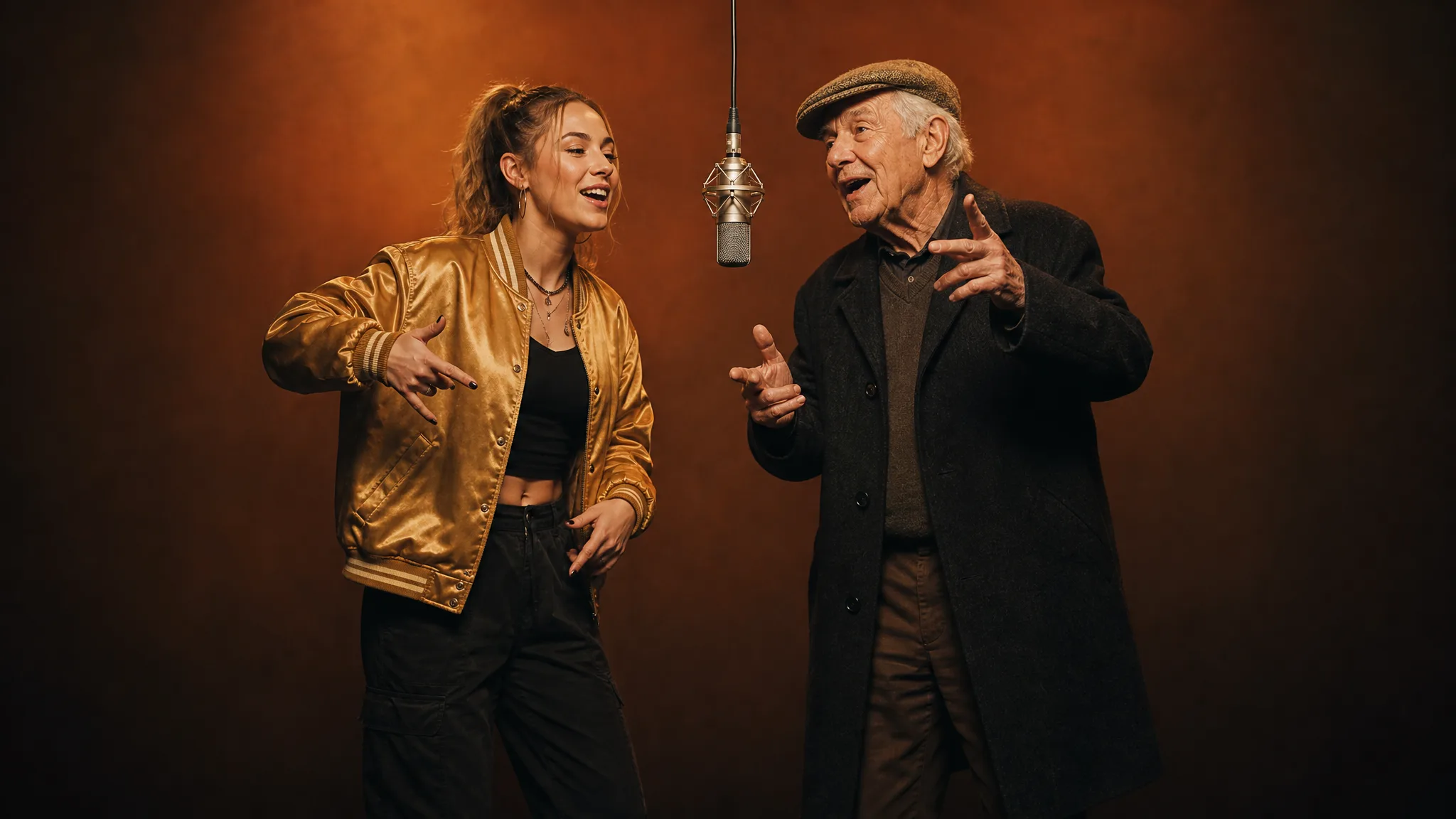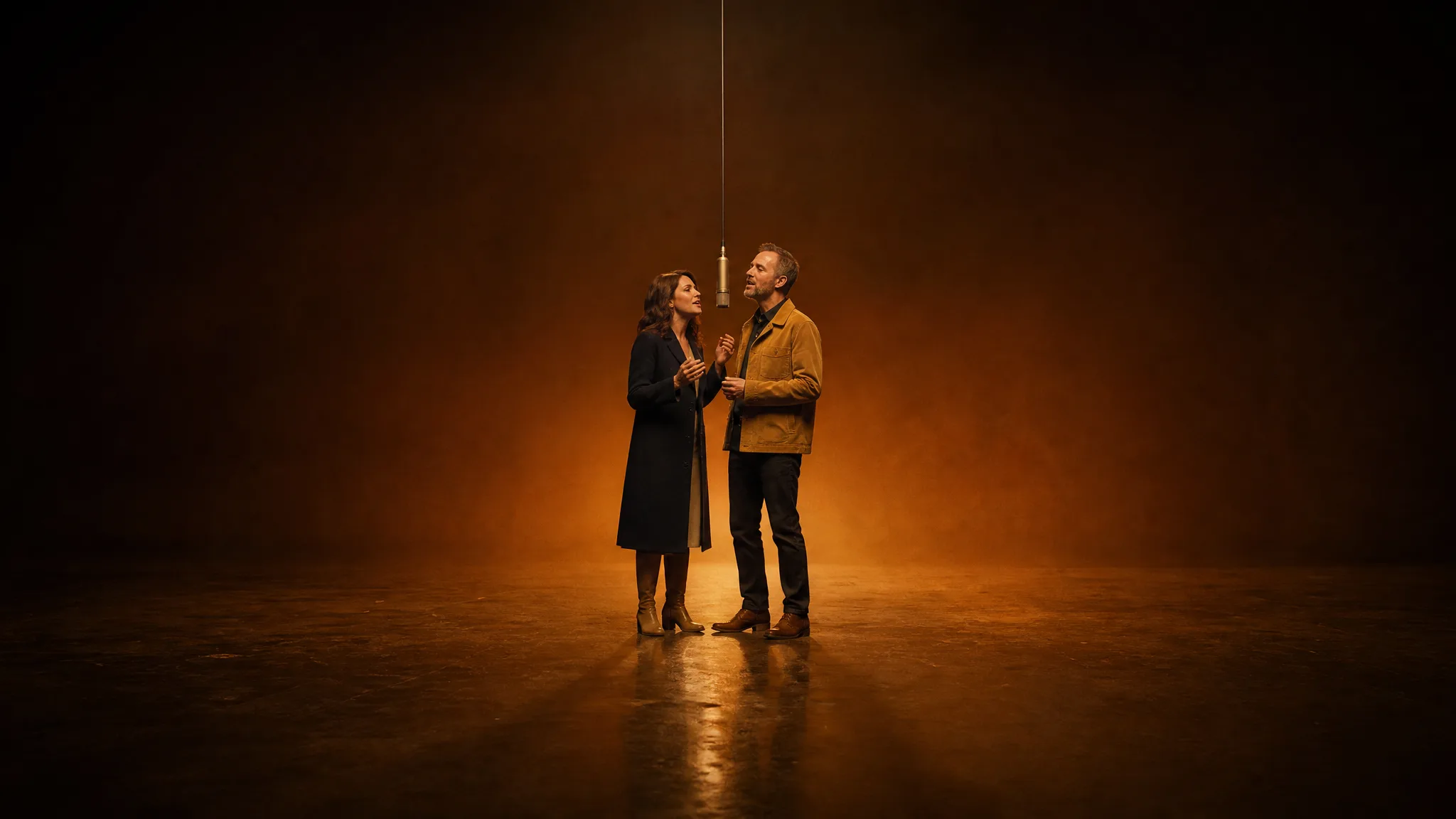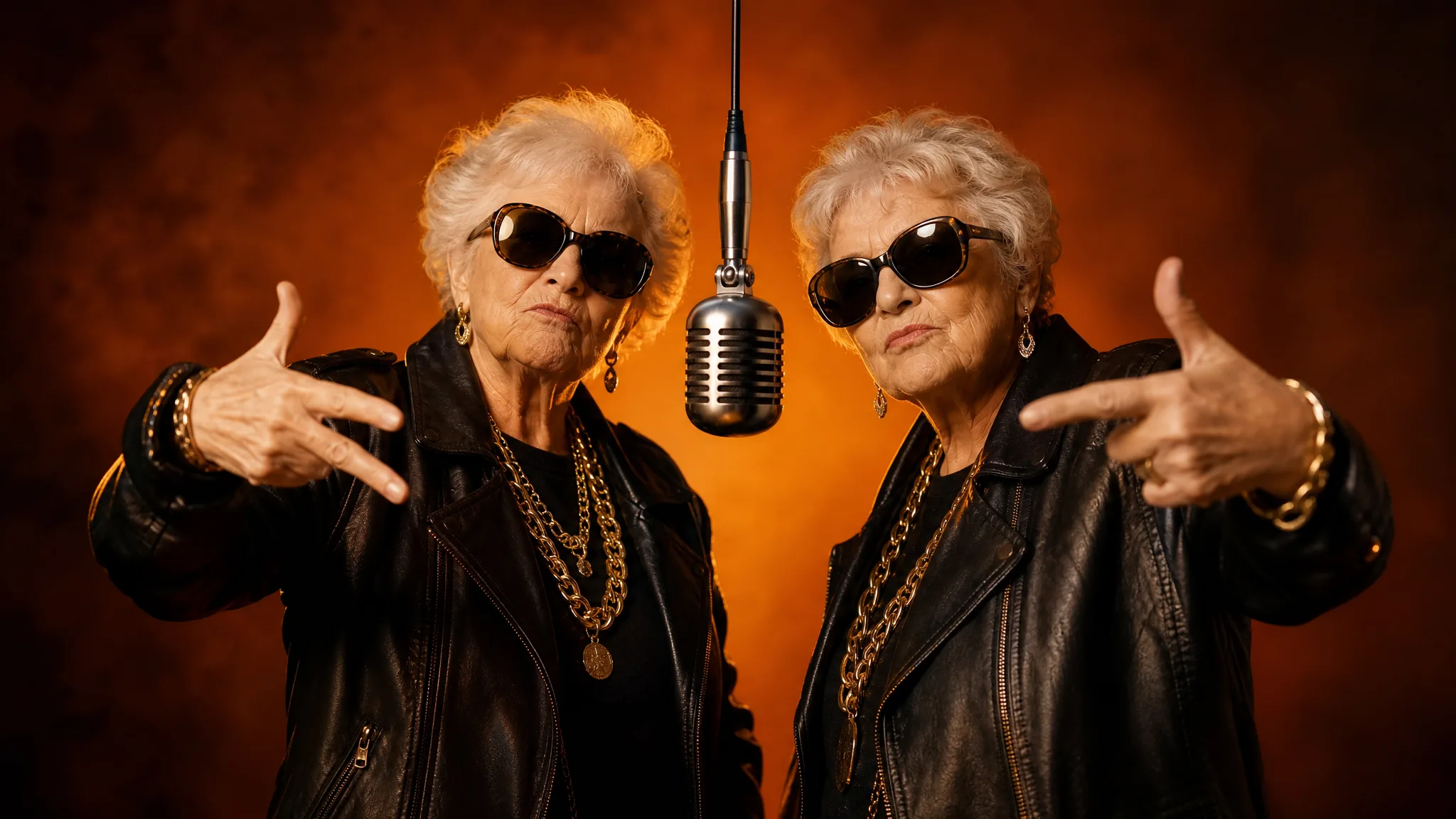
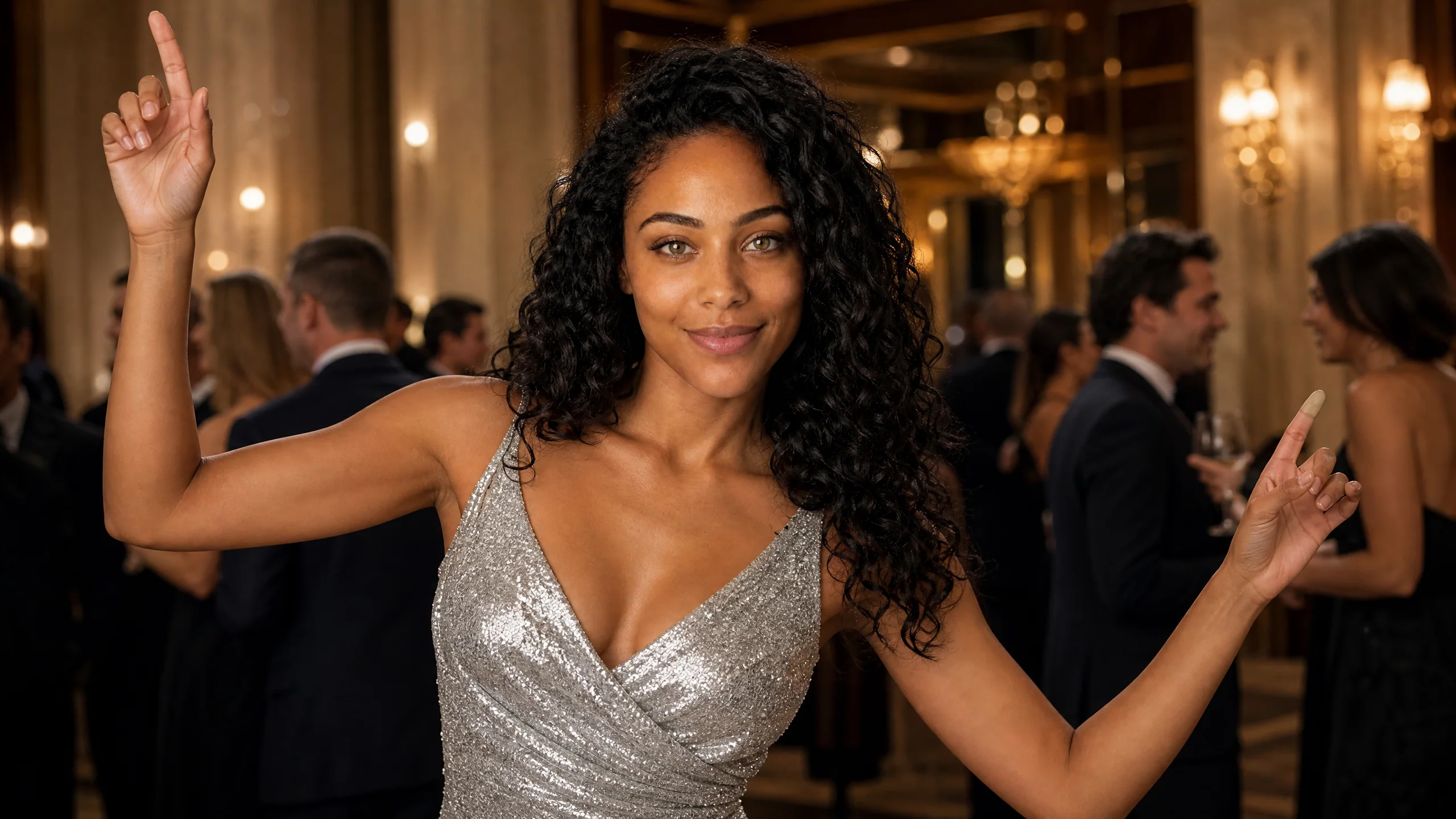
To make a Burning Bridges AI video, upload one clear portrait to a Burning Bridges template and press Generate. Your face becomes the host of the chandelier-lit party scene from the Drake trend, and the template supplies the gestures, camera moves and sound. You download a 13-second MP4.
One clarification before the steps: the trend has no burning bridge in it. The name comes from Drake's song "Burning Bridges," so a prompt for a bridge on fire will give you something else entirely.
What Is the Burning Bridges AI Trend?
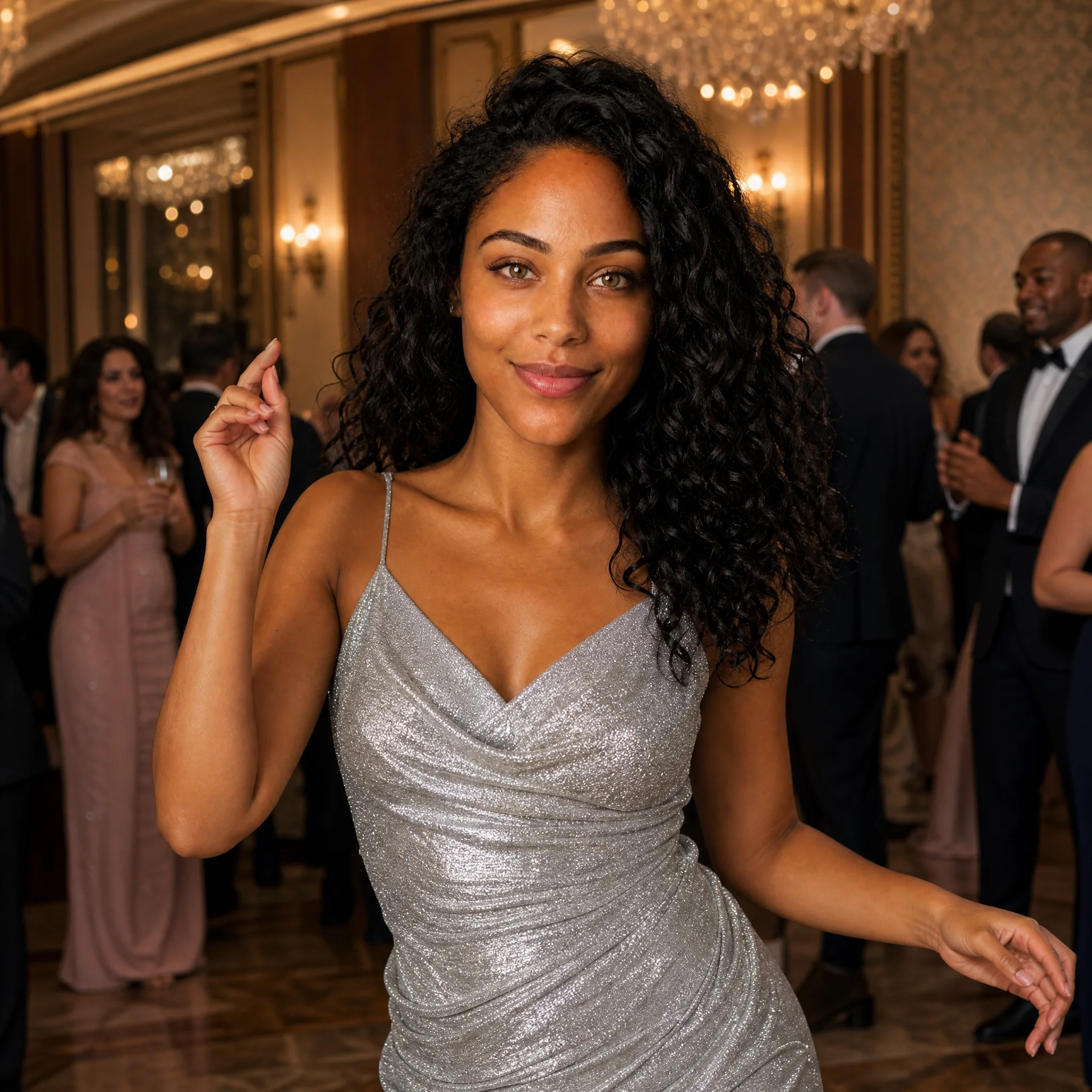
The Burning Bridges AI trend puts a new person at the center of a lavish party moment tied to Drake's song "Burning Bridges." In a Drake Burning Bridges AI video, people cast themselves, friends, pets and fictional characters as the host who works the room under chandeliers while the guests react.
"Burning Bridges" is a track from Drake's 2026 album Iceman, and its opening "Where she at?" line became a talking point on its own. The AI version of the trend arrived months later. US Google Trends data shows searches for "burning bridges ai" rising from October 9, 2026, peaking the next day and dropping by about half from the week of October 11 to the week of October 18, as of October 24, 2026.
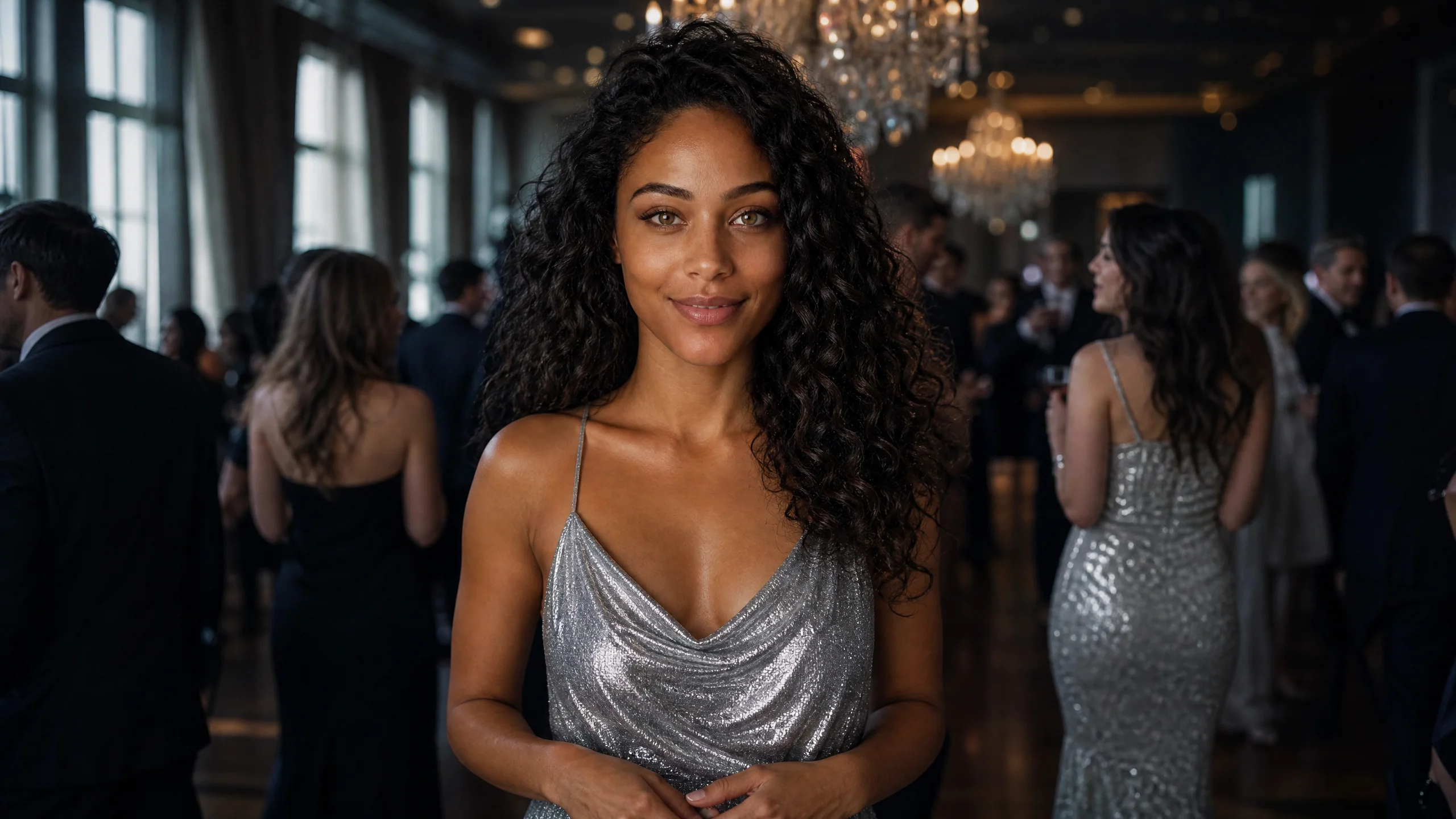
It followed the Hotel Lobby trend by about two weeks. Where Hotel Lobby needs two people, Burning Bridges is a solo spotlight, which makes it a good fit for birthdays, announcements and "main character" posts.
What Does the Burning Bridges Template Include?
The Burning Bridges template includes the scene, the performance and the sound, so your only input is one portrait. On Rap AI it runs on MiniMax H3 and returns a clip of about 13 seconds.
| Part of the clip | Where it comes from |
|---|---|
| Your face and identity | The portrait you upload |
| Chandelier-lit reception hall and guests | The template |
| Gestures, poses and camera distance changes | The template |
| Scene sound | The template |
| Outfit changes (optional) | A styling note of up to 300 characters |
| Frame shape | Auto, or 21:9, 16:9, 4:3, 1:1, 3:4 or 9:16 |
That is the main difference from the general way of building this kind of clip, which means writing a long scene prompt, animating a photo in one tool and adding audio in another. Here the Burning Bridges AI video generator already holds every part except you.
See your friends in a rap video
Pick a rap template, add the photo or two it asks for and Rap AI hands back a 13 to 15-second clip with the beat, ready for the group chat.
Pick a templateHow Do You Make a Burning Bridges AI Video?
Choose a portrait, upload it, set the quality and frame, then generate and download. The process runs in the browser on a phone or a computer after a quick Google sign-in.
Step 1: Pick one portrait with a clear face
Use a photo of a single person, facing the camera, with eyes visible and even light on the face. A head-and-shoulders shot or a well-lit selfie works better than a distant full-body picture, because the camera moves in close during the clip.
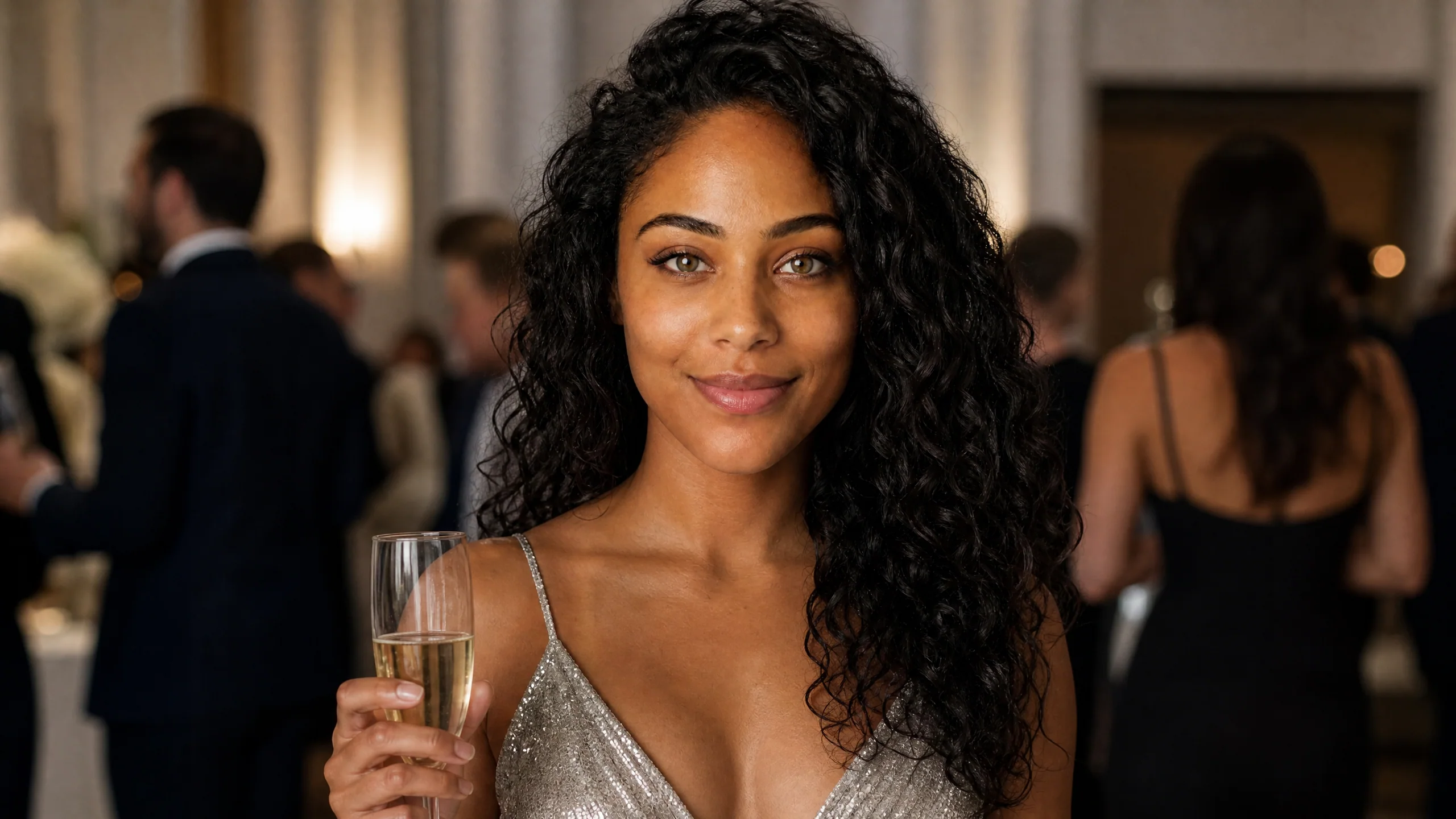
Step 2: Upload it to the template
Open the Burning Bridges template and add your photo to the single slot labeled for the main performer. Pets and cartoon characters can work as well when there is one clear face in the frame, though people give the most reliable result.
Step 3: Add a look if you want one
The optional styling note changes clothing or accessories while the party scene stays the same. Try "white suit and gold watch" or "black sequin dress". Leave it empty to keep the template's silver party dress.
Step 4: Choose quality, frame and takes
Stay on 768P for social posts or switch to 2K for a sharper frame. Auto keeps the template's original framing; 9:16 suits TikTok, Reels and Shorts. Set 1 to 4 takes per run if you want options to choose from.
Step 5: Watch with sound and download
When the job finishes, play the full 13 seconds with the volume on. Check the face in both the close-ups and the wider shots, then download the take you like. Captions and tags can go on in your social app before you post.
Make your own rap video next
Choose the template, add the selfies it asks for and download the take you like as an MP4.
Get startedHow Many Credits Does a Burning Bridges AI Video Use?
A Burning Bridges AI video uses 13 credits at 768P and 22 credits at 2K. It costs a little less than the 15-second templates because the clip is about 13 seconds long.
- Four takes at 768P use 52 credits in one run
- The total shows next to Generate before you confirm
- The smallest credit pack is $9.99, and monthly plans start at $29.90
- Credits from a failed generation return to your balance automatically
The example clips on the template page play before you spend anything, so you can check the scene first.
If Your Burning Bridges Video Looks Wrong, Change One Thing
Fix the single input behind the problem, then run again. Most issues trace back to the portrait.
| What you see | What to change |
|---|---|
| The face looks less like you in close-ups | Use a sharper portrait taken nearer the camera |
| Features look smoothed or blurred | Avoid filtered, heavily edited or low-light selfies |
| The outfit looks off | Shorten the styling note to one item or clear it |
| The frame crops the party awkwardly | Switch back to Auto, or choose 9:16 for vertical feeds |
| The whole group appears in the face | Crop a group photo down to one person |
Generate two or three takes at once. Expressions vary from take to take, and the best version is often the one where the face is clearest in the final pose.
Burning Bridges AI Video Ideas
Burning Bridges works best when the clip marks a moment worth celebrating. A few ideas people use:
- Birthday entrance. Put the birthday person in the host role and post it the morning of the party.
- Big news. A new job, a graduation or a move opens strongly with a party entrance.
- Character posts. Drop a mascot, a game avatar or a cartoon into the scene for a fan page.
- Friend series. Make one clip per friend and post them together as a set.
Prefer a two-person clip? The Hotel Lobby AI video guide walks through the duet. For a side-by-side look at every rap template, read how to make an AI rap video or open the Rap AI video generator homepage.
Burning Bridges AI Video FAQ
How to make burning bridges ai video?
To make a Burning Bridges AI video, upload one clear portrait to the Burning Bridges template on Rap AI and press Generate. You get a 13-second clip of that person leading a chandelier-lit party scene, with gestures and sound included, ready to download.
What is the Burning Bridges AI trend?
The Burning Bridges AI trend uses AI to put a new person at the center of a party moment tied to Drake's 2026 song "Burning Bridges." The scene shows a host under chandeliers performing for a crowd, and it spread as an AI trend in October 2026.
Does a Burning Bridges AI video show a bridge on fire?
A Burning Bridges AI video shows a party scene, not a burning bridge. The name comes from the Drake song, so the clip features a chandelier-lit reception hall, guests and your face as the lead performer.
How many photos do I need for a Burning Bridges AI video?
A Burning Bridges AI video needs one photo of one person. The template uses that portrait for the main performer and supplies the room, the guests, the movement and the sound.
How long is a Burning Bridges AI video?
Each Burning Bridges AI video on Rap AI runs about 13 seconds. It renders at 768P or 2K and downloads as an MP4 with the template's scene sound.